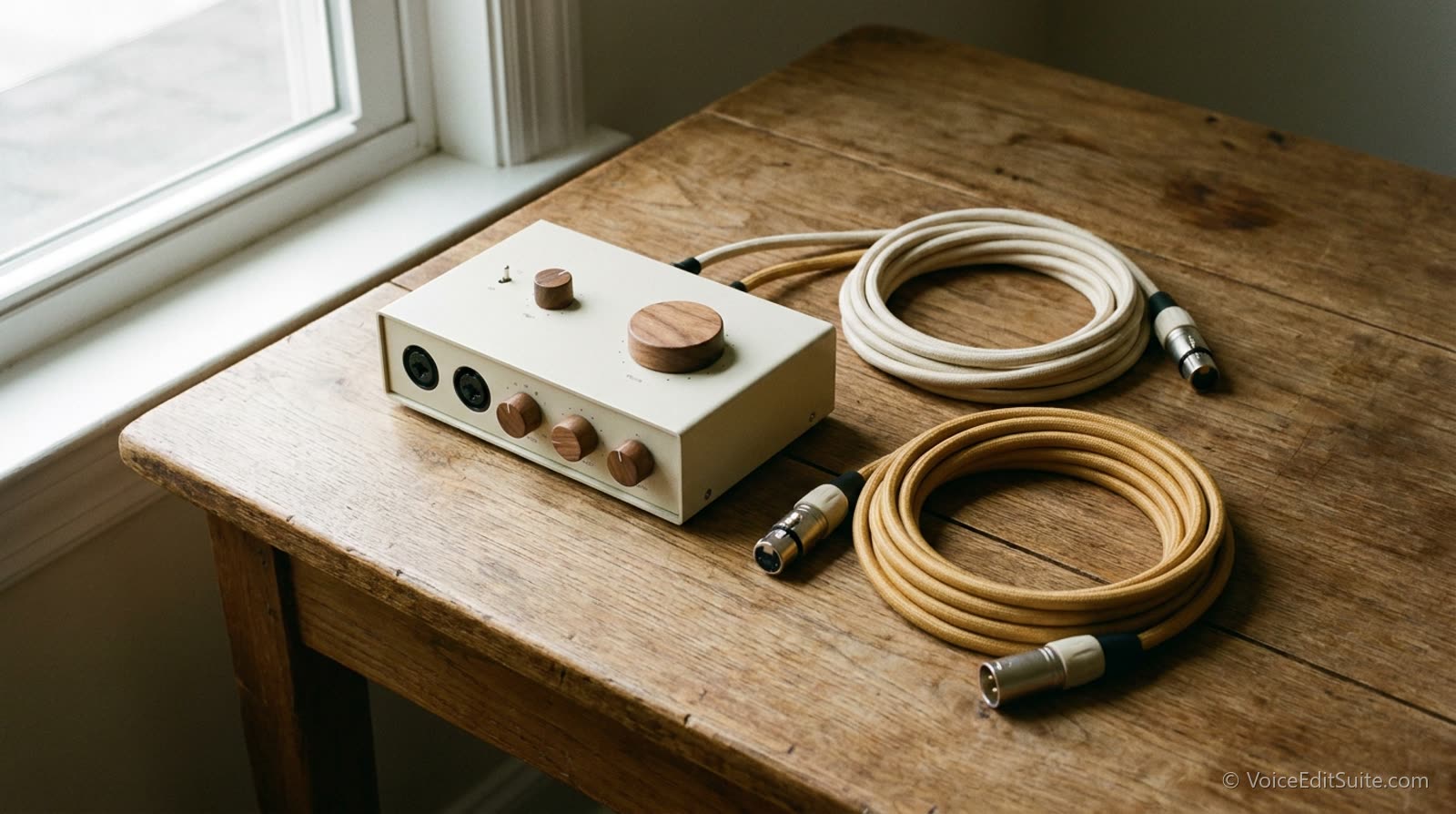
What an Interface Actually Does
An XLR microphone produces a tiny electrical signal, far too weak for a computer to use directly. An audio interface does two jobs on that signal before your computer ever sees it: the preamp boosts it to a usable level, and the analog-to-digital converter turns it into the digital audio your recording software works with. Both stages shape the final sound, which is why two interfaces at very different price points can produce noticeably different recordings from the exact same microphone in the exact same room.
It is easy to assume the microphone does all the work and the interface is a passive middleman. In practice, a weak preamp run at high gain to compensate for a quiet mic or a distant working position introduces audible self-noise, a low hiss that a stronger preamp at the same gain setting would not add. That hiss is not fixable after the fact without also softening the voice sitting on top of it, which makes the preamp one of the highest-leverage, least-discussed parts of a home setup.
The Specs Worth Actually Caring About
- Gain range and self-noise, not brand name. A preamp with enough clean gain for your specific microphone at your normal working distance matters more than the interface's reputation. A quieter mic that needs 55 to 60 dB of gain will reveal a weak preamp's hiss far more than a hot mic that only needs 30.
- Bit depth and sample rate are already solved. Any current interface recording at 24-bit, 48kHz or higher gives you more resolution than a voice over delivery will ever need; this is not where your money should go, despite how often it gets marketed as a differentiator.
- Latency matters for monitoring, not the recording itself. A high round-trip latency makes it distracting to hear yourself while recording, which can throw off your pacing, but it does not affect the quality of the captured file. Direct hardware monitoring, a feature on most interfaces above entry level, solves this by letting you hear the input signal before it even reaches the computer.
- Phantom power (48V) is non-negotiable for a condenser mic. Every interface built for this purpose includes it, but it is worth confirming on anything unusual, secondhand, or bundled with a mic you bought separately.
Interface versus mic: which upgrade first
If your current recordings sound thin, harsh, or generally wrong in tone, the microphone is usually the bigger factor. If they sound clean but have a faint hiss under the voice even in a quiet room, especially at higher gain settings, the interface's preamp is a more likely culprit than the mic itself.
How Many Inputs You Actually Need
A single voice actor working solo needs exactly one clean XLR input with enough gain range for their mic, and nothing else on the spec sheet matters nearly as much. A two-in interface earns its place if you ever record a duet read, a co-host segment, or want to run a reference mic alongside your main one for A/B testing, which is a genuinely useful habit when choosing between a USB and XLR setup or evaluating a room change. Beyond two inputs, most interface features (extra outputs, MIDI, effects loops) are built for music production and add cost without adding anything to a voice over workflow.
Buying more inputs than you will use is one of the most common overspends in a first real home studio setup. It is worth resisting the instinct to future-proof this particular purchase; interfaces are inexpensive enough, and change often enough, that buying exactly what today's setup needs and upgrading later if a genuine need appears is the more efficient path.
Testing What You Already Own
Before spending money on a new interface, it is worth confirming the problem is actually the interface. Record a clean read at your normal gain setting, in your normal spot, and listen specifically for a consistent low hiss under the voice rather than the room's ambient noise, which is a separate issue with a separate fix. If the hiss tracks with how high you have the gain turned up, and drops noticeably at lower gain with a closer working distance, the preamp's noise floor is genuinely part of the problem, not just the room.
↗ Try the tool
Home Studio Analysis
Free and no account: upload a 30-second read and get your actual measured noise floor, along with a breakdown of what is contributing to it. Before spending on a new interface, know whether the room or the preamp is the thing actually holding your setup back.
Open Home Studio Analysis →Buy for the Signal Path You Actually Have
An audio interface is not the flashiest purchase in a home studio, and it is one of the few pieces of gear that touches every single recording you ever make, which makes a clean preamp with the right gain range for your microphone worth more attention than the spec sheet usually gets. Pair a solid interface with correct mic technique and a reasonably treated room, and the signal chain stops being the thing holding your recordings back.