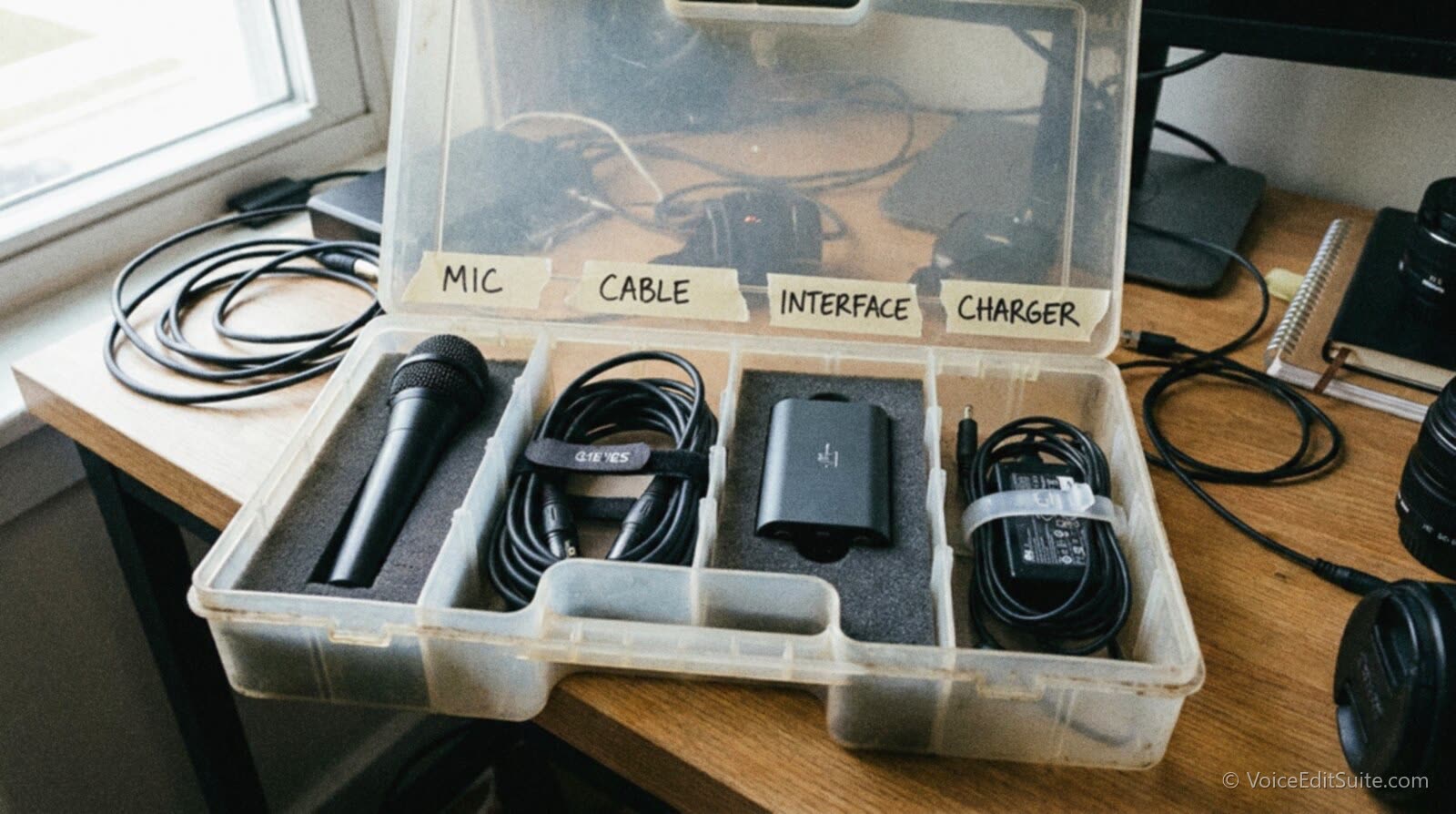
The short answer: the backup gear that saves a paid session is narrow and specific, not a drawer full of random spares. You need a second mic, a second cable for every connector type you use, a known-good fallback audio path if your interface dies, a second internet connection, a spare charger, and the small shock mount and pop filter parts that wear out quietly. None of it helps if you've never plugged it in and recorded through it before the day it has to work.
A mic or an interface rarely announces it's about to fail. It just stops working, mid-sentence, in a paid narration session or a podcast with a guest who only has twenty minutes. For a voice actor that's a billable session with a client watching the clock, not unlike a same-day rush job, except the client is live on the call. For a podcaster it's a guest booked once, unlikely to reschedule. The fix for both: decide what breaks, own a tested replacement, and know it works first.
What Actually Breaks Mid-Session
Gear does not fail evenly. Cables wear out through mechanical cycling, plugging and unplugging, far more than from age in a drawer. The USB spec sets a minimum rated life of just 1,500 insertion cycles for a standard connector, rising to 5,000 for the high-durability USB 3.0 Type-A class, per the USB hardware standards Wikipedia summarizes, a small number given a year of regular plugging in. Higher-durability sockets rated to 20,000 cycles exist, EE World Online reports, but most consumer cables ship to the ordinary minimum. XLR cables fail differently: the common cause, per repair guides like Violet Recording's, is a cracked solder joint, showing up as a crackle when flexed.
- Cables (XLR and USB). The weakest link by cycle count, more likely to fail than the mic or interface it connects, usually intermittently rather than all at once.
- Laptops and chargers. A widely cited, now older, SquareTrade warranty study of over 30,000 laptops found 31 percent of owners reported a failure within three years, roughly 20 percent hardware and 11 percent accidental damage.
- Audio interfaces. Less failure-prone than cables, but far more disruptive when they go, since a failure takes the whole path down at once, which is why choosing the right one matters.
- Internet connections. The least predictable, because the failure is often not yours: an ISP outage, a router needing a reboot, or a neighborhood fiber cut mid-session.
- Pop filters, shock mounts, and stand hardware. The least dramatic and easiest to prevent: a stretched elastic or slack filter screen degrades sound gradually, easy to miss until a client catches it.
Not every USB-C cable carries data
A USB-C cable bought for fast-charging a phone is sometimes wired for power only, no data lines at all, so it can sit in your bag looking like a working backup and still fail to pass audio the one time you need it. Test every spare cable end to end, in the port you'd actually use, rather than trusting that because it charges something, it must also carry data.
What Happens Without a Backup
Picture a corporate narrator twenty minutes into a session when the USB cable between mic and interface develops the crackle a cracked solder joint produces. It sounds fine through headphones monitoring the direct signal, but the file has a faint crunch not caught until editing, after the client has left the call. Re-recording means re-booking, often another two-week wait on an L&D team's calendar, and the narrator eats the cost of redoing it for free. None of this was a skill problem. It was a fifteen-dollar cable with no tested spare next to it.
What Happens With One
Same session, same cracked solder joint, except this narrator keeps a second known-good USB cable coiled in the booth, tested this month. The crackle shows on the input meter within the first minute, because they're watching it the way a careful engineer always does. They swap the cable on a two-minute break while the client reviews notes, and the session finishes on schedule with a clean file. The only cost was two minutes, plus the five it took once, weeks earlier, to confirm the spare worked. That gap, between a free fix and an unpaid re-booking, is the entire argument for redundancy.
↗ Try the tool
Studio Rescue
Sometimes the fallback itself is the problem: the backup mic is a laptop's built-in capsule, or a hotspot connection forced a lower, noisier bitrate. That doesn't have to mean redelivering a bad file. Studio Rescue measures your noise floor and strips the hiss, hum, and background wash a backup path adds, so a take captured on emergency gear can still clear the same quality bar as your main rig, in time for the deadline you already promised.
Open Studio Rescue →The Tiered Redundancy Framework: What You Need, and When
Nobody starts with a fully redundant rig, and buying one on day one wastes money you don't yet need to spend. What follows is a rough, three-tier framework: a bare minimum that costs almost nothing and takes an afternoon, a solid setup most full-timers settle into within a year or two, and a full redundancy kit that only makes sense once real income depends on a single session going right.
The Minimum: Before Your Next Paid Session
This is the floor: the minimum before recording another paid job, if a session failing mid-way would genuinely hurt you.
- A second cable for every connector type in your signal path (XLR, USB-A, USB-C), tested this month, not bought and forgotten.
- A known fallback audio path, even if it is just your laptop's built-in microphone, confirmed to actually record a usable, if imperfect, voice track.
- Your phone configured and tested as a hotspot, with tethering already confirmed working, not discovered for the first time mid-outage.
- A laptop charger that lives somewhere other than directly under your desk, so a single accident, a kicked cable or a spilled drink, cannot take out your only one.
What a Working Pro Accumulates Within a Year or Two
Once paid sessions are regular, the minimum kit feels thin, and most working pros quietly build out to something like this without ever writing it down.
- A second mic on a different connector type, so one cable failure can't take out both. A budget dynamic mic as a backup rarely needs to match your main mic's price, only its reliability.
- A prepaid data SIM or small MiFi hotspot on a different carrier than your phone, since two devices on one carrier share the same outage risk.
- A compact backup interface, or a tested direct line-in. Odd dropouts rather than outright failure may be a latency problem, not dying hardware.
- Spare shock mount elastics or a second mount, a spare pop filter, and a spare stand clutch, since these wear out quietly.
- A battery bank sized to run a laptop and interface for one session, for a power cut rather than a gear failure.
The Full Kit: When Enough Depends on It
This tier suits anyone whose clients are valuable enough that a bad session costs real money beyond the hour it happens in. It overlaps heavily with building a travel rig you can actually record with: a travel kit is packed because you're leaving your studio, a redundancy kit because your studio might fail you without warning.
- A complete matched second signal chain, mic, cable, interface, headphones, packed together so it deploys as a unit under pressure.
- Two genuinely independent internet paths, say home fiber plus a cellular hotspot, tested together under real call load, not just browsing.
- A second laptop pre-loaded with your software, plugin authorizations, and session templates, not a spare that still needs an hour of setup first.
- A small UPS or battery backup to ride through a short outage without dropping a live-directed session.
- A dated test log recording the last time each fallback was used, since a spare untested in a year is a guess, not a backup.
All three tiers share the same shape: a primary signal path from your mouth to the client's ears, with an already-tested alternative at every point the primary can realistically fail. Laid out as a diagram rather than a list, the chain and its fallbacks look like this.
Every fallback in that chain is something you'd actually reach for mid-session, not an option buried in a closet. A backup interface still in its shrink wrap isn't meaningfully different from not owning one, because unboxing it under deadline pressure is also when you learn whether its drivers play nicely with your software. The next section covers how to turn an owned spare into a tested one.
How to Actually Test Your Backup Path Before You Need It
Owning a spare and knowing it works are different things, and the gap between them is where most backup gear quietly fails its one job. The fix: a short, scheduled test, on a calendar reminder rather than whenever you remember, that forces every piece of backup gear to actually do the thing it's there for.
- Put a recurring monthly reminder on your calendar for a five-minute test. One that keeps getting pushed back never happens.
- Unplug your main mic and cable, and record thirty seconds through the backups only. Listen on headphones, not just the meter; a cable can pass signal and still sound wrong.
- Disconnect your main interface and record through your fallback path, second interface or direct line-in, and confirm the file opens cleanly.
- Join a test video call on your backup hotspot with home internet off, checking it holds steady for five minutes, about how long most live issues take to resolve.
- Run the session on battery plus the spare charger, confirming it actually charges rather than just fitting the port.
- Note the date somewhere. A spare tested fourteen months ago is close to one never tested, since allowances and batteries change over time.
The whole test takes less time than a single callback audition, and it turns every item in your kit from a guess into a known quantity. Do it on a slow afternoon, not during a real emergency, which is the entire point.
A Second Internet Connection for Remote-Direction Sessions
Remote direction over Source-Connect, Zoom, or a studio's own patch is now the default for everything from audiobook pickups to corporate narration, and it depends on a connection you don't fully control staying up. A dropped connection costs more than time: one remote tracking vendor's support documentation notes that any take still uploading when the connection drops is lost and must be re-recorded, while anything already processed survives. A phone hotspot is the obvious fallback most people already own, but it only works on a different carrier network than whatever else your household depends on; connections sharing the same towers fail together, not separately.
Carriers bundle a finite amount of full-speed hotspot data even into 'unlimited' plans, so check the actual number rather than trusting the name. T-Mobile's Experience Beyond plan includes 250GB of high-speed hotspot data a month before speeds drop to around 600 Kbps, per PhoneArena and WhistleOut, generous for dozens of sessions but not infinite, especially if the same hotspot doubles as household backup. Other carriers set their own, different, allowances that change often enough to check directly. A dedicated prepaid SIM or small standalone hotspot beats relying on the same phone you're also using to text the client you're having trouble.
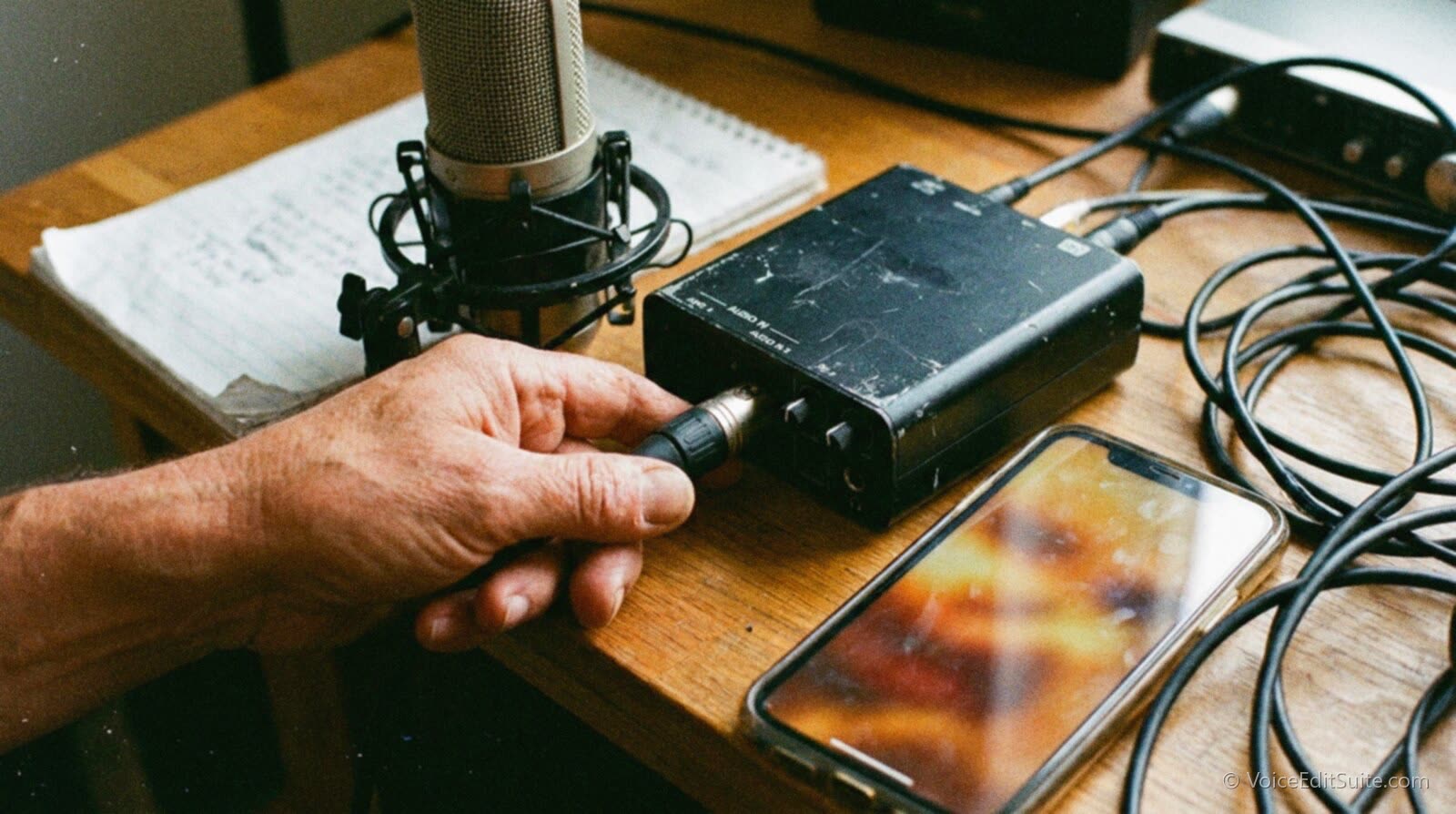
None of this has to be expensive. The cheapest tier, a spare cable, a tested hotspot, a charger kept elsewhere, costs less than a single rush fee and one unhurried afternoon. What makes it work is testing on a schedule, the same five minutes a month, before a client is on the line waiting to find out whether it does.
Frequently Asked Questions
What is the single cheapest thing to buy first?
A second cable for whatever connector your mic and interface use. It's the most failure-prone part of a chain by cycle count, costs a fraction of a backup mic, and takes thirty seconds to test. Buy it, test it the day it arrives, and keep it where you'll reach for it mid-session, not in a drawer across the room.
Does a phone hotspot on the same carrier as my home internet count as a real backup?
Only partially. It protects against a router failure or a problem specific to your home connection, but not a carrier-wide outage, since home and mobile service can route through overlapping infrastructure in some areas. A hotspot on a genuinely different carrier is a more complete backup for remote-direction work.
How often should I actually test my backup gear?
Monthly is a realistic cadence, done as a five-minute scheduled task rather than something you get to eventually. Cables, batteries, and hotspot allowances change over time even when nothing looks wrong, so a test from a year ago tells you little about whether the spare works today.
Do I need a second expensive audio interface?
Not necessarily, especially early on. A known, tested fallback, even a laptop's built-in mic input confirmed to record a usable track, beats an untested second interface sitting in its box. As paid work scales up, a modest second interface earns its cost by closing the gap between usable in an emergency and good enough to deliver.
Are pop filters and shock mount parts really worth keeping spares of?
Yes, because they fail quietly rather than dramatically. A stretched shock mount elastic or a slack pop filter screen doesn't cut your signal, it just lets more handling noise and sibilance through, and that gradual drift is easy to miss until a client or a careful edit catches it. These parts are cheap enough that keeping spares is one of the least expensive items on the whole list.
Does any of this change for a podcaster compared to a solo voice actor?
The gear logic is identical, but the stakes differ: a voice actor's failure point is usually a paid session with one client, while a podcaster's often involves a guest who agreed to one window of time and may not reschedule. That makes internet and hotspot backup matter even more for podcasters recording remote guests, since a dropped connection costs a guest's goodwill too.
Sources and Further Reading
- SquareTrade, Laptop Reliability and Repair Study (PDF): the 30,000+ laptop study finding a 31 percent three-year failure rate.
- Wikipedia, USB hardware: minimum rated mating-cycle life for USB connectors, including the 1,500-cycle standard minimum.
- EE World Online, USB-A connectors tested to 10,000-20,000 mating cycles: higher-durability USB-A connector options.
- Violet Recording, How to Test an XLR Cable for Faults: the solder-joint failure point at XLR connectors.
- PhoneArena, T-Mobile Experience Beyond 2.0: the 250GB hotspot allowance and reduced speed after it's used.
- WhistleOut, T-Mobile Experience Beyond Plan: independent confirmation of the same hotspot figures.
- NPR Training, What's in your bag, Gregory Warner?: a public radio reporter's dual-recording redundancy.
- Debbie Grattan, Remote Direction Guide for Voice Actors: a phone patch as fallback when a remote-direction connection fails.
- PlayIt Software, What happens if my internet connection is lost during voice tracking?: what's lost versus preserved mid-session.