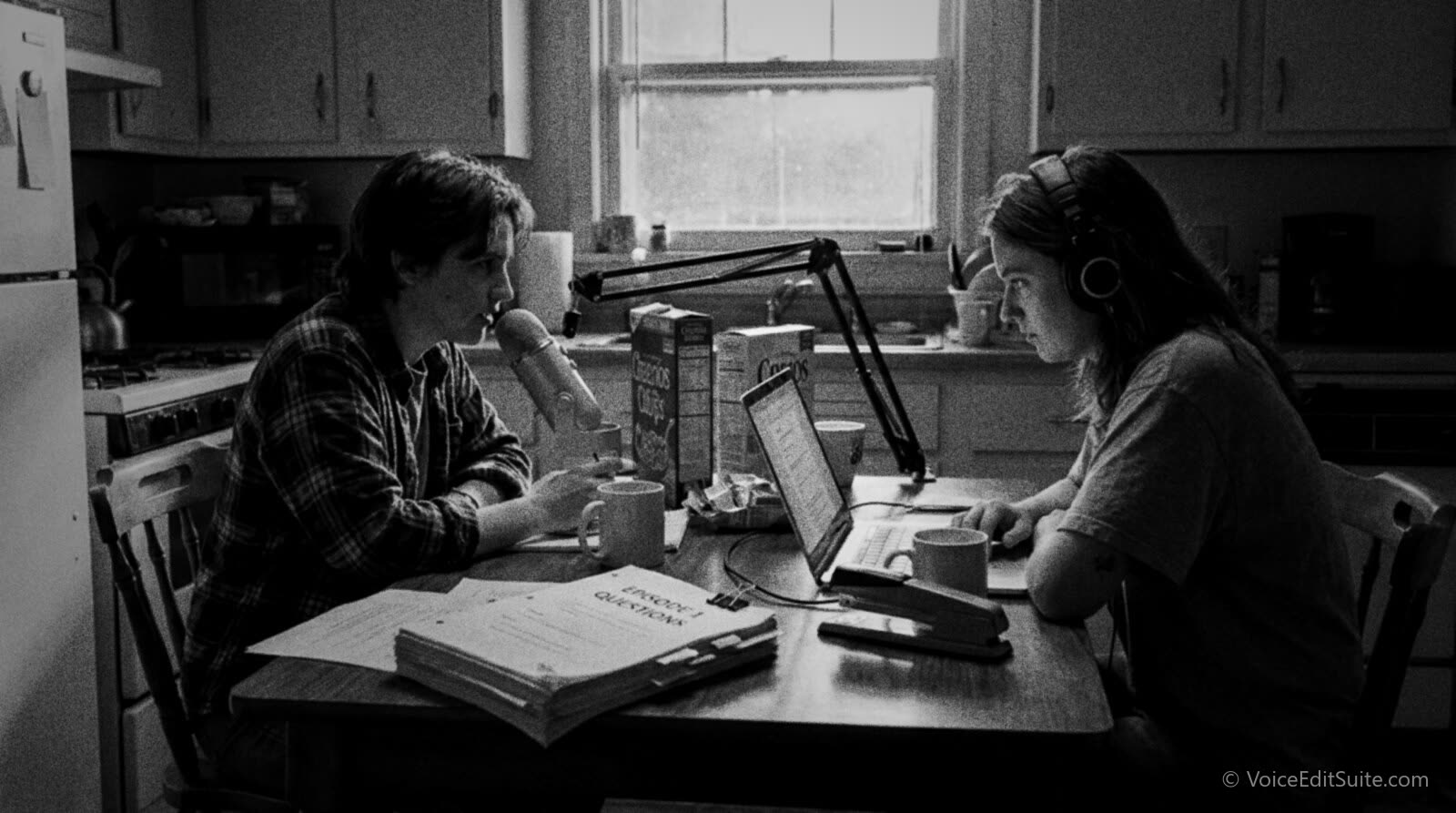
To start a podcast, pick a format you can repeat weekly or fortnightly, record it on a dynamic USB microphone in the quietest room you have, edit the audio before you touch its loudness, upload the finished file to a hosting platform that builds your RSS feed for you, and submit that feed's URL once to Apple Podcasts and once to Spotify. Everything else, the artwork, the trailer, the YouTube version, is useful but optional on day one.
That is the shape of it. The rest of this guide is the detail: what gear actually earns its price, how a podcast RSS feed mechanically works and why it is the one thing every app on earth reads, what Apple and Spotify check before they list you, and what to realistically expect once the first episode is live. It is written for anyone starting a show of their own, and for voice actors who get hired to host, produce or edit someone else's podcast, since the workflow and the platform rules are the same either way.
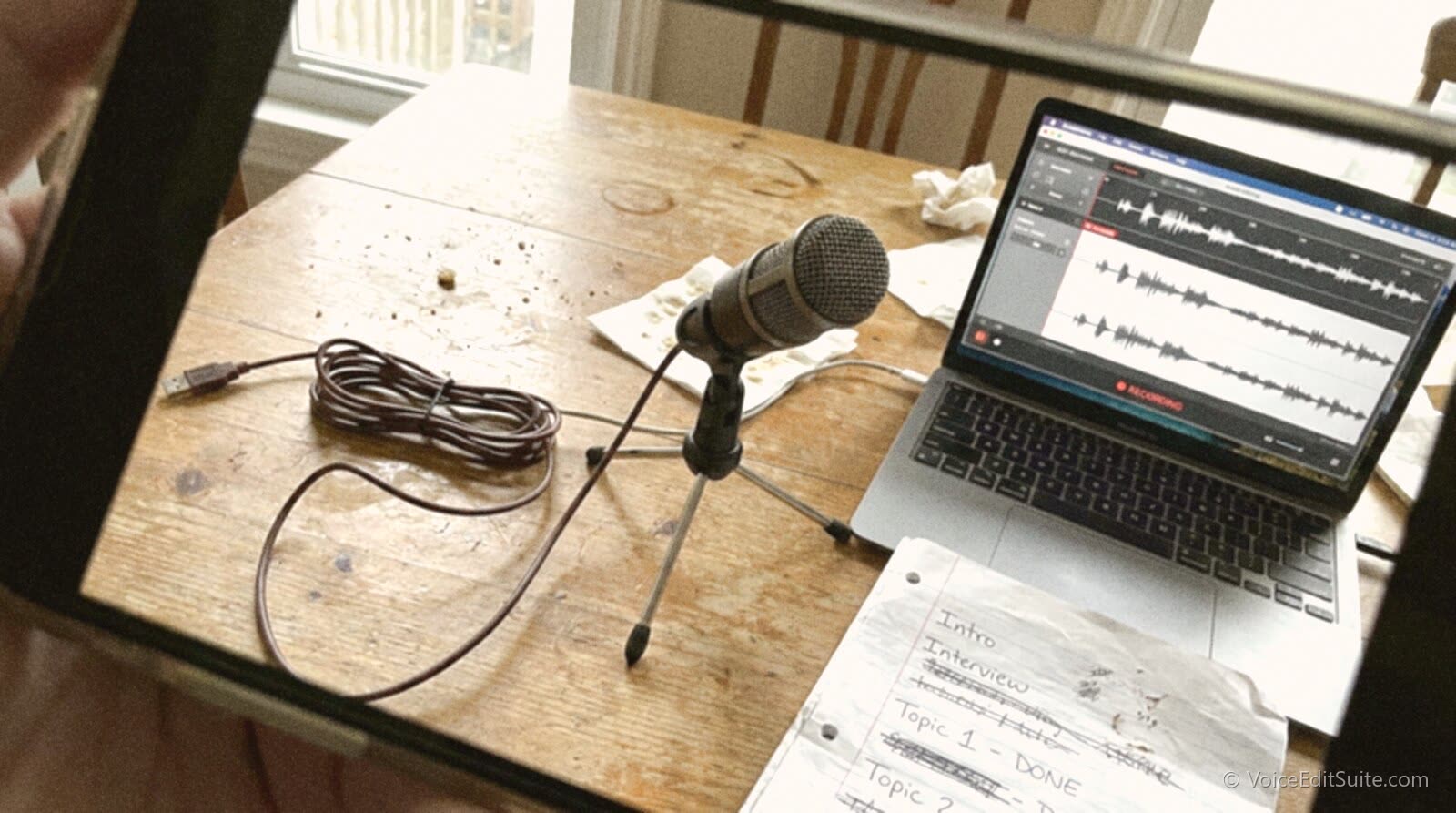
Decide What You're Making Before You Buy Anything
The single biggest reason a new podcast stalls after three episodes is not bad audio. It's a format nobody thought through, which makes every episode harder to plan than the last. Settle two things before any gear arrives: how long each episode runs, and how often you can actually produce one without burning out.
Pick a Format and a Length
A solo narrated show, a two-host conversation, and an interview show are three different jobs. Solo is the easiest to schedule because it depends on nobody else, but it's the hardest to sustain for a full hour, since there's no second voice to carry a flat stretch. A two-host conversation is the most forgiving format for a beginner: it self-corrects when one person runs out of things to say, and it sounds natural with almost no scripting. An interview show reaches new audiences through each guest's own following, but it adds a dependency, booking, that is its own ongoing job. Pick based on what you can keep doing in six months, not what sounds most impressive on paper, and keep the length honest: a 25 to 40 minute conversation finished and published beats a 90 minute ramble that takes you four hours to edit and never comes out on time.
Name It So People Can Find It
A podcast's title and subtitle are what search inside Apple Podcasts and Spotify actually matches against, so a clever pun that doesn't contain any word a stranger would type is a real cost, not a style choice. If your show is about home renovation, the word "renovation" or "home" should appear somewhere in the title or the one-line description, even if the clever name goes first. You can rename a show later, but every review, every backlink and every half-remembered recommendation points at the old name, so it's worth ten extra minutes now.
The Gear You Actually Need (and What to Skip)
A full podcast setup for one or two people, bought new, runs somewhere between about $150 and $350. Almost all of that is the microphone and, if you need one, an audio interface. Everything past that point is optional until the show is making money.
Microphone: Spend Here First
A dynamic microphone aimed close at your mouth rejects far more room noise than a laptop's built-in mic or a cheap condenser that picks up the whole room, so this is the one purchase that changes how a show sounds more than any software afterwards. Three real options, cheapest to most capable: the Samson Q2U, a USB-and-XLR dynamic mic that typically sells for around $60 to $70 and is the standard recommendation for a first podcast mic; Rode's PodMic USB, an XLR dynamic capsule with a USB-C output and a notably good built-in windscreen, around $199; and Shure's MV7+, a USB-C and XLR hybrid with on-board processing and an app for monitoring levels, around $279. All three need nothing but a USB cable to get started, and all three can later feed into a proper mixer if the show grows.
Audio Interface or Standalone Recorder
If you buy an XLR-only mic, or you want two people recording through separate, better-quality preamps instead of one mic's built-in USB chip, you need an interface between the mic and the computer. Focusrite's Scarlett Solo (4th generation) is the standard beginner choice at around $120 to $140 for one microphone input, and it works the same on Windows, Mac or an iPad. For two people without a laptop at all, Zoom's PodTrak P4 is a battery-powered, four-input standalone recorder that records straight to an SD card, priced from around $150 for the unit alone up to roughly $330 to $490 for bundles that include two or four dynamic mics. A standalone recorder is the better choice for recording away from a desk, in a car, at an event, or anywhere a laptop is impractical.
Headphones and Recording Software
Closed-back headphones, not earbuds and not open-back studio headphones, stop the microphone from picking up whatever is playing in your ears, which matters the moment you record a remote guest over a call. Any closed-back pair in the $30 to $100 range does this job; the brand matters far less than the seal around your ears. For software, Audacity is free, runs on every platform and is enough to record and edit an entire show. If you want a DAW with more editing power as the show grows, or you're coming from a voice over background and already have opinions about one, our DAW comparison for voice over editing covers Reaper, Audition, Pro Tools, TwistedWave and Hindenburg on real, current pricing.
Before you record anything that matters, it's worth finding out what your room is actually doing to your voice, because no microphone fixes a room with a hard, bare wall behind it.
↗ Try the tool
Home Studio Analysis
Home Studio Analysis is a free 30-second room and mic check: record yourself talking in the spot you plan to podcast from, and it reports your echo, noise floor, hum and sibilance as measured numbers, with a plain-English fix for whichever one is worst. No account needed, and it tells you in two minutes whether your room is podcast-ready or needs a duvet behind the mic first.
Open Home Studio Analysis →None of this needs to be expensive or complicated. A microphone, somewhere quiet to use it, and free software to record into is the entire hardware list for a show that can run for years.
Recording Episode One
Most bedroom and spare-room recordings have the same two problems: a noise floor from fans, traffic or appliances, and an echo from bare walls and hard floors. Both are fixable for little or no money, and both matter more than any plugin you add afterwards. Our guide to recording a podcast in a bedroom covers the full set of fixes; the short version is get close to the mic, turn off anything with a fan or compressor for the length of the recording, and record toward a soft surface, a wardrobe full of clothes, a couch, a rug, rather than a bare wall.
Plan Your First Ten Episodes
Committing to a fixed number of episodes before you start, rather than an open-ended "let's see how it goes," turns quitting into an informed decision instead of a failure. Independent podcast coach Elizabeth McCravy recommends exactly this: pick a number, ten is a reasonable one, and give yourself permission to stop after that many if the show genuinely isn't working, rather than grinding on a format you already know isn't right. The practical version of that plan looks like this:
- Write ten episode titles before you record episode one. If you can't come up with ten, the topic or format is too narrow to sustain weekly.
- Record three episodes before you publish any of them. A buffer means a bad week, a sick co-host or a broken mic doesn't break your publishing schedule.
- Record episode one last, not first. Record your planned second or third episode first instead, since the earliest attempts are usually the roughest, and publish the one that actually sounds like your show.
- Keep a running note of ideas and guests. A phone note with half-formed ideas is worth more at episode seven, when the well runs dry, than any amount of planning done up front.
- Decide your publishing day and stick to it for all ten. Buzzsprout's own hosting data shows 71 percent of active shows publish weekly or every two weeks; consistency is table stakes, not a differentiator.
- Review after episode five, not after episode one. One episode tells you almost nothing about whether a format works. Five does.
Should You Record Video Too?
A growing share of the audience now treats podcasts as something to watch as well as hear, and for a new show the honest question is whether to point a camera at the recording from the start. Edison Research's data is unambiguous about the scale of the shift, and about what it does and doesn't mean for an audio-only creator.
"Video isn't replacing podcast audio. It's expanding the tent. Whatever your feelings on video podcasts, the data is clear: this is a dual-format medium now."
Practically, that means a static-image video upload of your audio, just the cover art with the episode playing, is worth doing on YouTube from day one, because it costs almost nothing and makes you findable where a growing share of the audience looks first. Full video, a camera, lighting, a second thing to edit, is a real additional cost and is worth adding once the audio side is working, not before. If you can afford only one, the data says make the audio excellent and worry about the camera later.
At this point you've made every decision that determines what episode one actually sounds like: the format, the gear, the room and whether a camera is pointed at it. The graphic below pulls those decisions together into a single nine-item checklist, grouped by the stage they belong to.
With a recorded episode in hand, the next job is turning the raw file into something ready to publish, and the order you do that in matters as much as the gear did.
Editing: What Actually Needs Doing
Editing a podcast episode is three separate jobs, and doing them in the wrong order means redoing one of them. First, remove steady noise, hiss, hum, fan wash, from each person's track before anything else, because breath detection and pause tightening both read the quiet parts of the recording and work far better on a clean file. Second, do the actual edit: cut false starts, tighten dead air, quieten breaths, drop off-mic chatter. Third, and only once the episode is fully assembled, set the loudness of the finished file. Setting loudness before you finish editing is a common and costly mistake, because cutting dead air or adding a music bed changes the file's average loudness, so a number you hit halfway through is wrong by the time you export. Our podcast loudness standards guide has the exact targets, around -16 LUFS integrated for Apple Podcasts and most platforms, and -14 for Spotify and YouTube, with true peak held at or below -1 dBTP.
- Noise removal, per track, first. Each person's raw recording, before any editing.
- The edit itself, second. False starts, retakes, dead air, breaths.
- Loudness, once, on the finished mix, last. Measure the actual file you're about to upload, not an earlier draft.
If you're editing on Audacity or a general DAW rather than a tool built for spoken word, budget real time for this: a 30-minute conversation with two hosts commonly takes an hour or more to edit by hand the first few times, mostly spent finding and trimming the small stuff. That time comes down fast with practice and with the right tool for the job, but it's worth planning for honestly rather than discovering it the week before a deadline.
Why 2026 Is a Reasonable Time to Start
It's a fair question whether a crowded medium still has room for a new show. The audience side of the data says yes, clearly: 58 percent of Americans aged 12 and over, about 167 million people, consumed a podcast in the last month, and 45 percent, about 130 million, did so in the last week, both record highs in Edison Research's Infinite Dial 2026. That monthly figure has climbed every year since 2023, from 42 to 47 to 55 to 58 percent. For the first time, Edison's companion study, The Podcast Consumer 2026, found that weekly consumers are about as likely to say they typically watch a podcast as to say they typically listen to one, a genuine shift from a medium that used to be audio by default.
The supply side is the number that keeps expectations honest. The median new independent episode, by Buzzsprout's own hosting data, gets 27 downloads in its first week, and reaching the top 5 percent of all shows on that platform takes around a thousand. Our 2026 podcast industry statistics guide goes through the full set of numbers, including what each monetisation route actually pays, in detail. The short version for a first-time podcaster: the audience is real and growing, but a first episode reaching dozens rather than thousands of people is normal, not a sign the show has failed. Most shows that go on to build a real audience looked exactly like that in week one.
Advertising revenue is concentrated at the very top of that download curve, so a new show's realistic early monetisation path, if it has one at all, is usually a direct sponsor or a membership tier rather than a CPM ad network. Our host-read podcast ads guide covers what sponsors actually pay and how to deliver a read they'll approve, once you have an audience worth selling to.
Hosting, RSS and Getting Into Apple and Spotify
A podcast does not live inside Apple Podcasts or Spotify the way a video lives inside YouTube. It lives on a hosting platform that you choose, and that platform generates one file, an RSS feed, that every listening app reads. Understanding that one fact removes most of the confusion beginners have about publishing.
What an RSS Feed Actually Does
RSS, Really Simple Syndication, is a decades-old web standard for publishing a list of items that updates over time, and a podcast feed is simply that list with one extra piece per item: an enclosure tag pointing at an audio file's URL, its file size and its type, for example type="audio/mpeg" for an MP3. Every episode you publish adds one new entry to this one file. Apple's own feed requirements say the feed must follow the RSS 2.0 specification, must be publicly reachable with no password, and must include a specific XML declaration at the top. You never write this file by hand: your hosting platform builds and updates it automatically every time you upload an episode. What you give Apple, Spotify, Pocket Casts, Overcast and every other app is simply the one URL where that feed lives, and each of those apps checks it periodically for new entries.
Choosing a Host
You need a hosting platform before you need anything else on the publishing side, because it's the thing that actually generates your feed URL. The major options, cheapest to most established:
- Spotify for Creators (formerly Anchor) is genuinely free with no storage cap and no download cap, and it builds a standard RSS feed that distributes to Apple, Spotify and other apps, not just Spotify. It also supports video uploads. The trade-off is that Spotify's own ad program on the platform splits revenue with you, and the free tier is a Spotify product, so read its terms before assuming total ownership.
- Buzzsprout is one of the largest independent hosts, with a short free trial and paid plans that rise with how many downloads your show gets each month; it publishes its own download-tier statistics publicly, which is useful for sanity-checking your own numbers once you launch.
- Captivate and Libsyn are two of the longest-running podcast-specific hosts; Libsyn in particular has offered a long-standing entry tier priced at a few dollars a month for a small monthly upload allowance, aimed at shows that publish infrequently or are just starting out.
Whichever you pick, the mechanics afterward are identical: you upload an audio file and some episode details, the host updates your RSS feed, and every app that has your feed URL sees the new episode within a few minutes to a few hours, depending on how often that app checks.
Submitting to Apple Podcasts and Spotify
Apple requires an Apple Podcasts Connect account, free to create, to submit a show. Once your hosting platform gives you a feed URL, you add a new show in Podcasts Connect, choose to add a show with an RSS feed, and paste that URL in. Apple then runs an automated technical validation and a human review before the show appears publicly, and Apple's own guidance says a feed with errors, a missing category, a missing explicit tag, a feed that isn't publicly reachable, will be rejected rather than partially listed. The itunes:explicit tag takes only two values, "yes" or "clean," and cover artwork must be square, between 1400 by 1400 and 3000 by 3000 pixels, in JPEG or PNG format. Spotify's submission is similar in spirit: if you host directly on Spotify for Creators you're already distributed there, and if you host elsewhere you submit the same RSS feed URL through Spotify for Creators' claim-a-show flow instead of recording anything a second time.
- Finish and validate your feed first. Most hosts have a built-in validator; use it before submitting anywhere.
- Create an Apple Podcasts Connect account and add your show using your feed's URL.
- Set your category, explicit tag and artwork to Apple's specification before you submit, not after a rejection.
- Submit the same feed URL to Spotify for Creators, either as your host or by claiming an externally hosted show.
- Wait for review. Processing time varies and has been reported anywhere from one business day to around ten; don't schedule an announcement before you have confirmation it's live.
Transcripts, Chapters and the Newer Feed Tags
Beyond the basic RSS fields Apple and Spotify require, a newer set of optional tags called the Podcasting 2.0 namespace, maintained in the open by the nonprofit Podcast Index, lets a feed carry extra structured information: podcast:transcript points apps at a synced transcript file, podcast:chapters defines named chapter markers with timestamps, and podcast:guid gives the whole show a single, permanent unique identifier that survives a change of host. None of these are required to get listed on Apple or Spotify, and adoption across apps is uneven, but a few of the biggest listening apps already read some of them, and adding a transcript costs nothing extra if your editor already produces one as a by-product of transcription-based editing. It's a reasonable thing to turn on if your host supports it, and not something to delay a launch over if it doesn't.
Launch Week: The Final Checklist
- At least three full episodes recorded and edited, ready to publish on schedule.
- Square cover artwork, 1400 to 3000 pixels, JPEG or PNG, with no small text that disappears at thumbnail size.
- A one or two sentence show description containing the words someone would actually search for.
- Your RSS feed validated through your host's own checker.
- Submitted to Apple Podcasts Connect and confirmed as approved, not just submitted.
- Submitted or claimed on Spotify for Creators.
- A short trailer episode, if your host supports one, explaining what the show is in under two minutes.
Don't wait for approval to announce
Apple's review can take anywhere from about one to ten business days. Tell people the show exists once it's actually live and searchable, not the day you submitted it, since "coming soon" announcements are easy to forget by the time the feed is approved.
Frequently Asked Questions
How much does it actually cost to start a podcast?
A one-person setup can be done for around $150: a Samson Q2U mic (about $60 to $70), free editing software, and a free hosting tier on Spotify for Creators. A two-person setup with a dedicated interface or a second mic typically runs $250 to $400. Paid hosting tiers, if you choose one, usually start under $20 a month.
What's the minimum equipment I need?
One decent dynamic USB microphone, a pair of closed-back headphones, and free recording software such as Audacity. An audio interface is only necessary if your mic is XLR-only or you need multiple separate inputs.
How long does Apple Podcasts take to approve a new show?
Reported times vary widely, from around one business day to as much as ten, depending on how many submissions Apple is processing and whether your feed passes validation on the first attempt. Submit your feed well before any launch date you've promised publicly.
Do I need to record video to succeed in 2026?
No, but you should be findable on YouTube, where a large and growing share of weekly podcast consumers look first. A static-image upload of your audio costs almost nothing and covers that. Full video production is a real additional cost worth adding once the audio side of the show is working.
How long should my episodes be?
Long enough to cover the topic and no longer. A 25 to 40 minute conversation is a sustainable, listener-friendly length for most new shows, and it's far easier to edit consistently than an open-ended hour-plus format.
Is free podcast hosting actually free, long term?
Spotify for Creators' free tier has no storage or download cap as of this writing and generates a standard RSS feed usable anywhere, which is unusual among hosts. Read the current terms before relying on any free tier for a show you intend to monetise directly, since platform terms change.
Sources and Further Reading
- Edison Research at SSRS, The Infinite Dial 2026, March 2026, survey of 2,050 Americans 12+ fielded January 2026: monthly and weekly reach figures and the 2023 to 2026 trend. The Lazovick quote is from the release announcement as carried by Podnews.
- Edison Research at SSRS, The Podcast Consumer 2026, presented June 2026, as reported in Edison's own release via Podnews: the watch-versus-listen finding and YouTube's share as most-used service.
- Apple, Podcasts Connect: Content Requirements and Artwork Requirements: RSS 2.0 compliance, public reachability, the explicit tag's two values, and artwork dimensions.
- Apple, Submit a new show: the Podcasts Connect submission flow.
- Podcast Index, Podcast Namespace: the Podcasting 2.0 tag specification, including podcast:transcript, podcast:chapters and podcast:guid.
- Buzzsprout, Podcast Stats: first-week download tiers and publishing-frequency figures for active shows.
- Elizabeth McCravy, The Ultimate Guide to Starting a Podcast: the ten-episode commitment used in this guide's planning section.
- VoiceEditSuite Guides: Podcast Industry 2026 Statistics for Independent Creators, Podcast Loudness Standards, Recording a Podcast in a Bedroom, Choosing a DAW for Voice Over and Host-Read Podcast Ads.
Corrections
Gear prices, hosting terms and platform review times in this guide reflect public pricing pages, vendor listings and the cited sources as of November 2026, and all three change without notice; check a vendor's current page before buying. Survey figures reflect Edison Research's published methodology. Spot an error? Tell us through the contact page and we will correct it with a note.