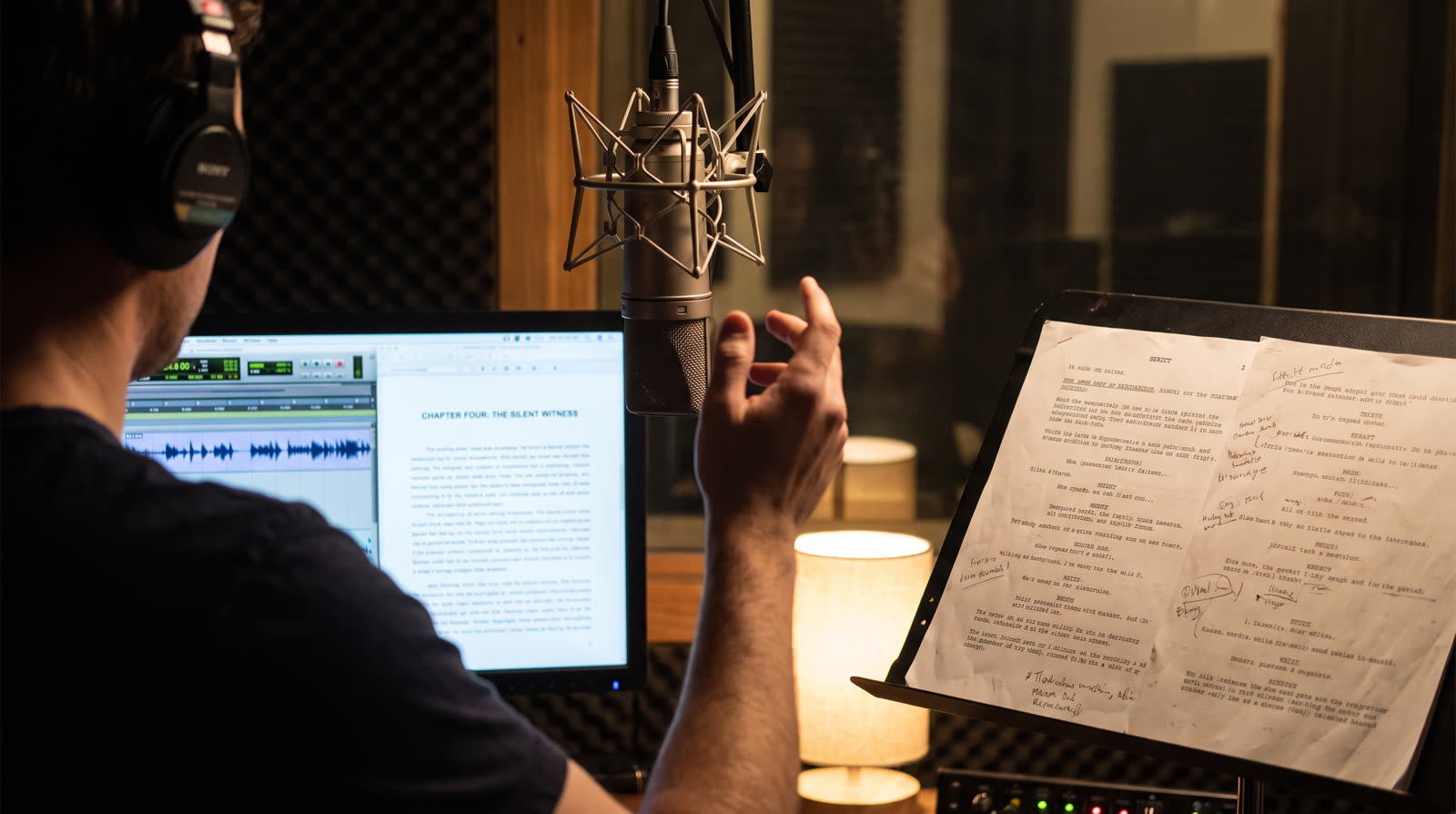
Record an hour of narration and you will misread, stumble, or swallow a word roughly every page. That is not a skill problem; it is the error rate of human speech, and professionals flub too. The difference is workflow. An amateur ploughs on and inherits a mountain of mistakes to find and fix later. A narrator using punch and roll fixes each mistake in ten seconds, at the mic, and walks out of the booth with a chapter that is already clean.
Punch and roll is the standard technique in professional audiobook studios for exactly this reason, and every serious home DAW now supports it. This guide covers how it works, how to set it up in the four DAWs narrators actually use, the discipline that makes it stick, and the modern alternative for people who would rather keep performing and let software do the assembly.
What Punch and Roll Actually Is
You are recording. You fluff a line. Instead of sighing and re-reading into a growing pile of takes, you stop, and do this:
- Mark the last clean sentence. Place the cursor at its start, just before the mistake.
- Roll. The DAW plays back the few seconds before that point into your headphones, so you hear your own pace, pitch, and energy leading up to the line.
- Punch. Exactly at the cursor, playback stops and recording begins, erasing forward from the mistake. You speak the line again, matching the delivery you just heard.
- Keep going. The flub no longer exists. There is nothing to find later, nothing to edit, no take two sitting after take one.
The roll is the clever part. Cold retakes drift: your pitch resets, your pace changes, and the edit point becomes audible even when the words are right. Hearing the preceding seconds puts you back inside the performance, so the punch is seamless. Listeners cannot find punch points in a well-executed session, and neither can quality control.
Why audiobooks specifically
A commercial is 30 seconds; you just do another take. An audiobook is eight to twenty finished hours of continuous, tonally consistent read. At that scale, mistakes per page times pages per book makes fix-it-later ruinously expensive, which is why the audiobook world standardized on fixing at the mic.
The Math: What It Does to a Finished Hour
Audiobook work is priced and scheduled per finished hour, and the ratio of studio time to finished audio decides whether a project pays. The commonly cited industry ratio is about two to one for an experienced punch and roll narrator: two hours in the booth per finished hour, with the file emerging nearly edit-free. Record-now-fix-later typically runs three to four to one once you count the second pass of hunting mistakes, choosing takes, and patching cold pickups that do not quite match.
Multiply the gap across a ten-hour book and punch and roll saves one to two full working days per title. That, not purity about technique, is why it is the professional default. If you are quoting audiobook work, the finished-hour math in our rates guide and how long editing actually takes both build on these ratios.
Setting It Up in Your DAW
- Audacity (free): the feature is built in and literally named Punch and Roll. Set your pre-roll length under recording preferences, click the last good point in the track, and press its punch and roll shortcut. Fix the flub, keep reading.
- Reaper: configure a pre-roll for recording, enable a record mode that overwrites from the edit cursor, and bind one key to it. Cheap, endlessly configurable, and the setup survives as a project template so you do it once.
- Adobe Audition: Punch and Roll is a named record mode. Set the pre-roll, place the playhead, punch. Audition's waveform view also makes it easy to see your punch points if you ever want to audit them.
- Pro Tools: the technique was practically born here; QuickPunch and pre-roll settings do the job, and most commercial audiobook studios you might ever visit run some version of this setup.
Whichever DAW: put the punch on a single key or footswitch, and set pre-roll between three and five seconds. Shorter does not give your ear enough to match; longer wastes session time every single punch.
The Discipline That Makes It Work
- Punch at sentence starts, not mid-sentence. Breath and cadence reset naturally at a sentence boundary, which is what makes the seam inaudible. Mid-sentence punches are possible and rarely worth it.
- Match your distance and posture during the roll. The tone match fails if you leaned back, turned your head, or picked up your coffee. Same position, same mic distance, then punch.
- Say it like the roll, not like a correction. The classic tell is the over-enunciated fixed line, delivered with the energy of someone proving a point. You are continuing a story, not winning an argument with a sentence.
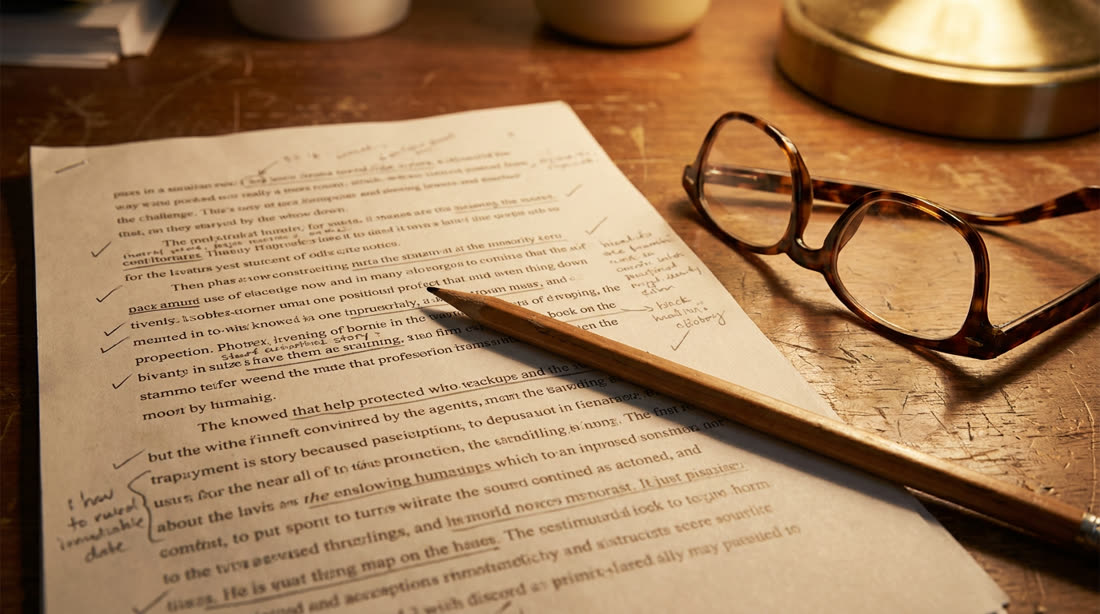
- Mark your script as you go. A pencil tick at every punch point means that if anything does need attention later, you know exactly where to look instead of re-listening to a chapter.
The Honest Alternative: Keep Rolling and Let Software Assemble
Punch and roll has one real cost: it interrupts performance. Some narrators, especially for fiction with big character work, find that stopping to punch breaks the spell, and their best takes come from staying in the scene. The traditional version of that workflow, record everything and edit later, is the expensive one from the chart above. The modern version changes the economics.
It works like this: when you flub, do not stop. Clap once, then re-read the sentence and keep performing. The clap is a marker your editing software can find: Auto Clean Up detects each clap, drops the take before it, keeps your re-read, and cuts the false starts and dead air on top. You stay in performance; the assembly work that used to cost the second studio hour happens in one automated pass, with an edit report you can review line by line instead of a timeline you scrub by hand.
↗ Try the tool
Auto Clean Up
Upload the raw session, clap markers and all. Auto Clean Up keeps your best take of every line, cuts fumbles and silences, and shows you every decision it made. Paste in your script and it matches word for word. The keep-rolling workflow, without the edit day that used to follow it.
Open Auto Clean Up →Which workflow wins is genuinely personal. Long nonfiction with tight tone requirements favors punch and roll; expressive fiction sessions often favor keep-rolling with automated assembly; many narrators use both in the same book. The only losing move is the one from the first paragraph: ploughing on with no system at all and paying for it in the edit.
Common Questions
Will listeners hear my punch points?
Not if you punch at sentence starts, hold your mic position, and match the roll. The technique is used on essentially every commercially produced audiobook you have ever heard; the seams you did not notice are the proof it works.
Does my room matter more or less with punch and roll?
Just as much, and consistency matters even more: a punch recorded after the heater switched on will not match the roll. Treat the space (see acoustic treatment on a budget) and keep conditions steady across the session. A quick studio analysis tells you whether your room is stable enough for seamless punches in the first place.
How do I know the finished chapter passes spec?
Punch and roll gets you a clean performance; retail spec is a separate checklist of RMS level, peak, and noise floor. Run the finished chapter through the ACX Audiobook Prep tool and it measures everything against the published requirements and fixes what it can, before quality control does the same check without the mercy.