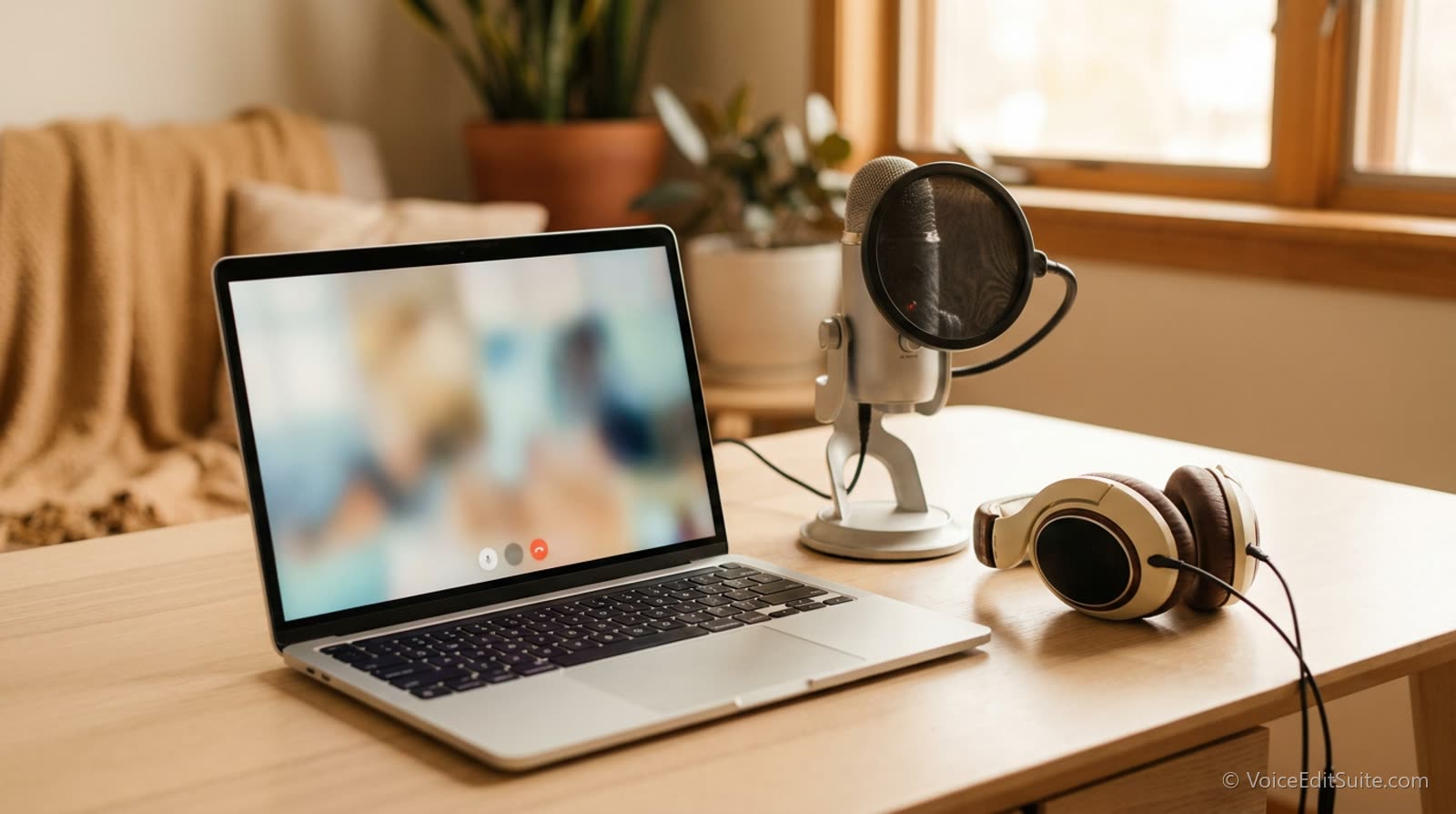
A growing share of professional voice over work is directed live over a remote connection rather than recorded solo and delivered later, or directed in person in a studio. A client, producer, or director on the other end is listening to your session in real time, giving notes between takes exactly as they would standing in the booth with you. That changes what is actually being asked of you technically and behaviorally, and it is worth treating as its own skill rather than an inconvenience layered onto normal solo recording.
The Common Connection Tools
- Source-Connect and similar dedicated remote-recording software send low-latency, studio-quality audio directly between your session and the director's, letting them hear (and often record) your actual final audio in close to real time, not a compressed video-call approximation of it.
- Zoom, video calls, or a phone line are common for simpler bookings where full studio-grade remote monitoring is not required; the director hears you over the call's own audio while you record separately and send the finished file afterward.
- A hybrid setup is common too: direction and conversation over a video call while the actual audio is captured locally on your end and sent as a file, giving you both real-time feedback and a clean final recording that never passed through the call's own compression.
What a Remote Director Actually Needs From You
A director working remotely cannot read a room the way they would standing next to you, which puts more weight on what you communicate verbally between takes. Confirming you heard a note before jumping back in, asking a clarifying question rather than guessing at ambiguous direction, and giving a quick verbal check when a connection glitch might have eaten part of a take all matter more here than they would in person, where a raised hand or a glance through the glass covers the same ground silently.
- Test your connection, mic, and headphones well before the scheduled start time, not in the first five minutes of the session.
- Mute yourself between takes if there is any background sound on your end, and unmute clearly before speaking rather than talking over a muted mic.
- Repeat back a note briefly before the next take when direction is complex, confirming you understood it rather than assuming.
- Flag technical glitches immediately rather than continuing through them; a dropped syllable from a connection stutter is much easier to fix by re-taking the line on the spot than by discovering it in the final file later.
Keep a local backup recording running regardless of the tool
Even with dedicated remote-recording software, running your own local recording as a backup protects you if a connection drops mid-take; it costs nothing and has saved more than one session from a lost final take.
Preparing Your Setup Specifically for This
A remote-directed session raises the cost of a technical failure compared to solo recording, since a dropped connection or a bad take does not just cost you time, it costs a director's scheduled time too.
A properly gain-staged, quiet setup and a tested, reliable internet connection matter more here than in almost any other kind of session, and it is worth a genuine dry run with a friend or colleague before the first paid remote-directed booking if you have never done one.
↗ Try the tool
Audition Director
Free to try: Audition Director marks up a script fully before a session starts, useful preparation specifically for remote direction, where you want as few ambiguous moments as possible once a director is listening live.
Open Audition Director →Treat It as Its Own Discipline
Remote direction asks for the same responsiveness an in-person session gets, delivered through a connection that adds real technical variables you do not control end to end. A tested setup, clear verbal communication between takes, and a local backup recording running quietly in the background cover most of what actually goes wrong, and they turn a remote session into a genuinely equivalent experience to being in the room.