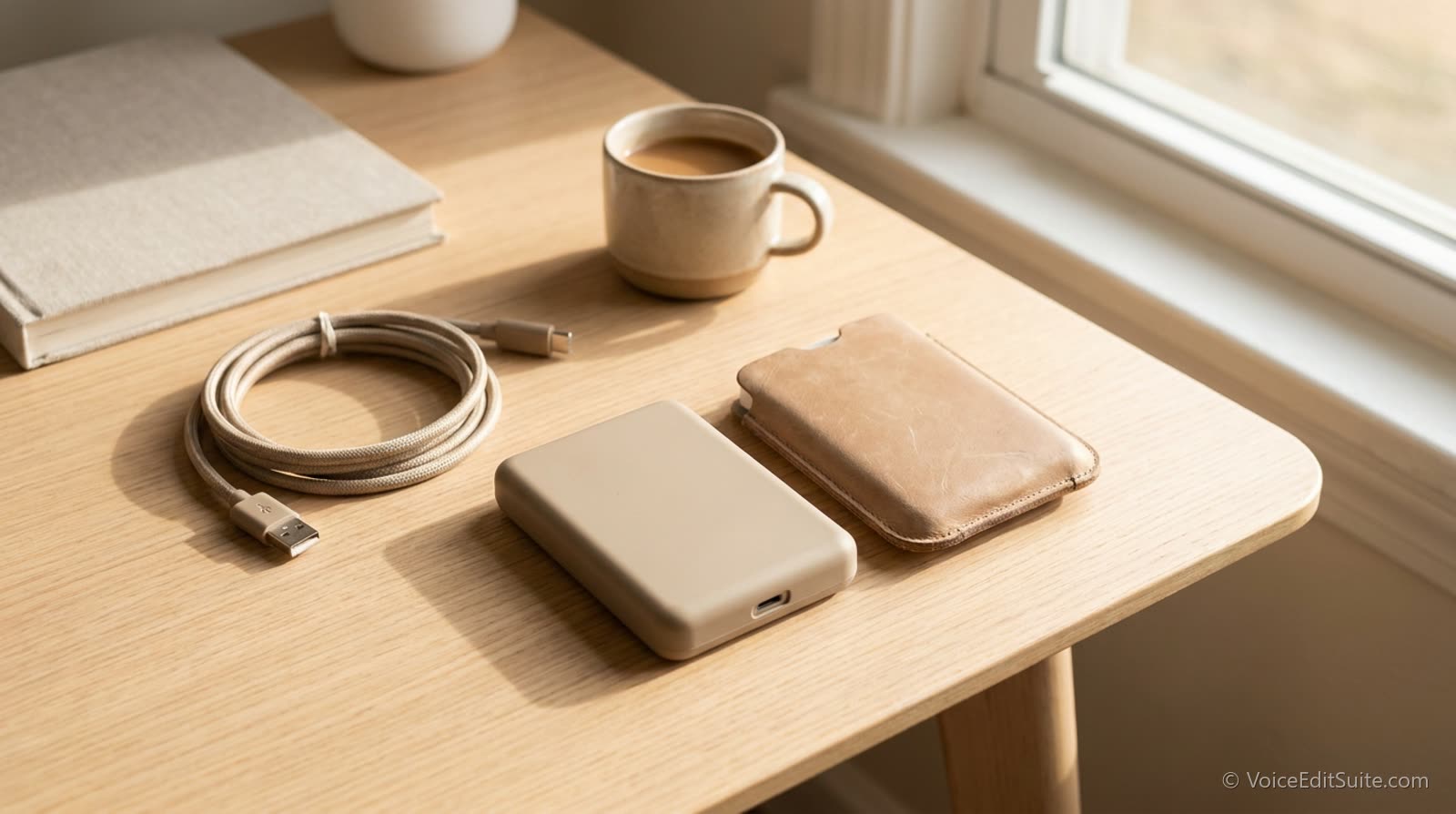
Every hard drive fails eventually; the only real question is whether it happens before or after a backup exists. For a working voice actor, the files at risk are not just finished deliverables, they include raw session recordings a client might request again, signed contracts and usage-rights agreements, invoices and tax records, and demo material representing years of accumulated work. Losing that is a genuinely different kind of setback than losing a laptop, and it is one of the more overlooked risks in an otherwise well-run home studio business.
What Actually Needs Backing Up
- Raw, unedited session recordings. A client asking for a retake or a re-mix months after delivery is common enough that keeping raw files, not just the final polished export, protects you from having to re-record something you already did once.
- Contracts and usage-rights agreements. Knowing exactly what a client is licensed to do with a recording depends on being able to actually produce the agreement later, sometimes years later.
- Invoices and business financial records. Tax filings and disputes both depend on being able to reconstruct a year's income and expenses well after the fact.
- Demo reels and portfolio material. These represent real accumulated production cost and are painful, sometimes impossible, to fully recreate if lost.
A Simple, Reliable Structure
The backup principle known as 3-2-1, three copies of anything that matters, on two different types of storage, with one copy kept somewhere physically separate, is more than enough for almost any solo voice over business and does not require anything exotic to implement. A working drive, a second local backup drive, and a cloud storage service that syncs automatically covers the structure completely, and the whole system can run in the background with no ongoing manual effort once it is set up correctly.
- Keep your active working files on your main drive as normal.
- Add a second, separate physical drive that backs up automatically on a schedule, most operating systems include free built-in tools for this.
- Add a cloud storage or backup service as the third copy and the one genuinely protected against fire, theft, or physical damage to your studio itself.
- Test that a restore actually works at least once; a backup nobody has ever verified is a backup you are only assuming exists.
A cloud sync folder is not automatically a backup
A folder that syncs a single live copy between devices reflects a deletion or corruption on one device to all of them; that is convenience, not protection. A real backup keeps a separate, versioned copy that a mistake on your main drive cannot also destroy.
The Cost of Having Nothing in Place
A drive failure with no backup does not just cost the hardware, it can cost a client relationship if you cannot honor a revision request on work you no longer have, and it can cost real money at tax time if financial records are gone. Set against that, an external drive and a modest monthly cloud subscription is a small, predictable cost that most voice actors already budget for equipment far less consequential than this.
↗ Try the tool
Auto Clean Up
Free to try: while you are reviewing your file organization, Auto Editor's cleaned output gives you a consistent, well-named final file to back up alongside your raw takes, rather than a folder of inconsistent one-off exports.
Open Auto Clean Up →Set It Up Once, Forget About It
A proper backup system for a solo voice over business takes an afternoon to set up and effectively no ongoing attention afterward. The alternative, discovering the gap in a system that does not exist at the exact moment a drive fails or a client makes an unexpected request, costs far more than the modest effort of setting it up correctly the first time.