A home studio built into a converted garage, attic, or outbuilding solves a real acoustic isolation problem and creates a different one: those spaces are far more exposed to seasonal humidity and temperature swings than an interior bedroom, and both a condenser microphone's internals and the acoustic foam on the walls are more sensitive to that exposure than most voice actors realize until something actually fails.
What Humidity Does to a Condenser Microphone
A condenser mic's capsule relies on a precisely charged, extremely thin diaphragm, and high humidity can cause moisture to affect that charge, sometimes producing crackling, popping, or an intermittent signal that reads like a bad cable but is not. Extended exposure to high humidity, especially in a space that also swings temperature (a garage that is cold at night and warm and humid by afternoon), accelerates this kind of problem well beyond what the same microphone would experience in a stable interior room.
- A silica gel pack or small dehumidifier in the storage case protects a microphone during the hours it is not actively in use, which is most of the day even for a working voice actor.
- Avoid storing a mic in the booth itself between sessions if that space is not climate controlled; bringing it back into a stable interior space overnight is a simple, free habit that meaningfully extends a microphone's working life.
- Let a mic acclimate before a session if it has been stored somewhere notably colder or more humid than the booth; a sudden temperature swing can cause brief condensation on internal components exactly like a cold glass sweating on a warm day.
Acoustic Treatment Degrades Too
Open-cell acoustic foam absorbs moisture from humid air over time, which changes its density and, eventually, its absorption performance, along with making it more prone to sagging, crumbling, or developing an odor in genuinely damp conditions. Acoustic treatment on a budget already tends to favor denser, more durable materials over the cheapest foam available, and that durability consideration matters even more specifically in an uncontrolled garage or shed environment than in a stable interior room.
Watch for a change in your room's own sound, not just the gear
Foam that has absorbed significant moisture changes how a room sounds acoustically, sometimes subtly, sometimes as a noticeably duller or deader quality. If a booth that used to sound a specific way starts sounding different with no equipment changes, humidity-affected treatment is worth checking before assuming a mic or interface problem.
Practical, Inexpensive Fixes
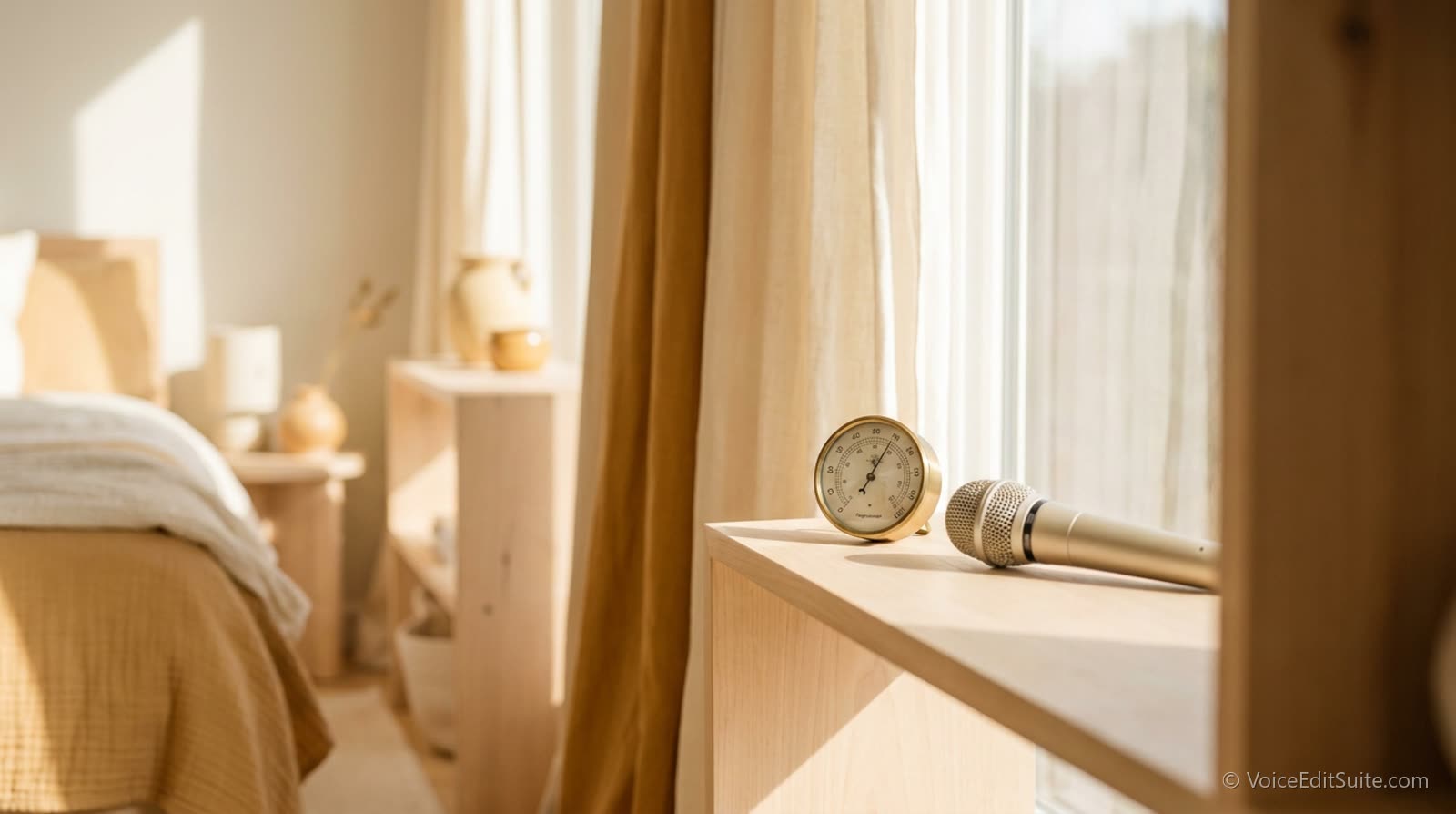
- A basic hygrometer, inexpensive and widely available, tells you the actual humidity range your space swings through across a season rather than a guess.
- A small dehumidifier sized appropriately for the space keeps humidity in a safer range without the cost or complexity of full climate control.
- Insulating a garage or shed booth, even minimally, reduces the temperature swings that make humidity problems worse and improves acoustic isolation as a side benefit.
- Running a mic and interface for a few minutes before recording, rather than immediately after bringing them in from a colder space, lets any condensation risk pass before you actually need clean audio.
↗ Try the tool
Studio Rescue
Free to try: if humidity-related noise or crackle has already made it into a recording, Studio Rescue strips it out and shows the measured before-and-after result, while you address the underlying environmental cause going forward.
Open Studio Rescue →An Easy Problem to Prevent, a Frustrating One to Diagnose
Humidity and temperature damage to equipment rarely announces itself clearly; it shows up as an intermittent crackle or a room that quietly sounds different than it used to, both of which get blamed on the wrong cause more often than not. A cheap hygrometer and a basic dehumidifying habit prevent nearly all of it, for a fraction of the cost of replacing a damaged microphone.