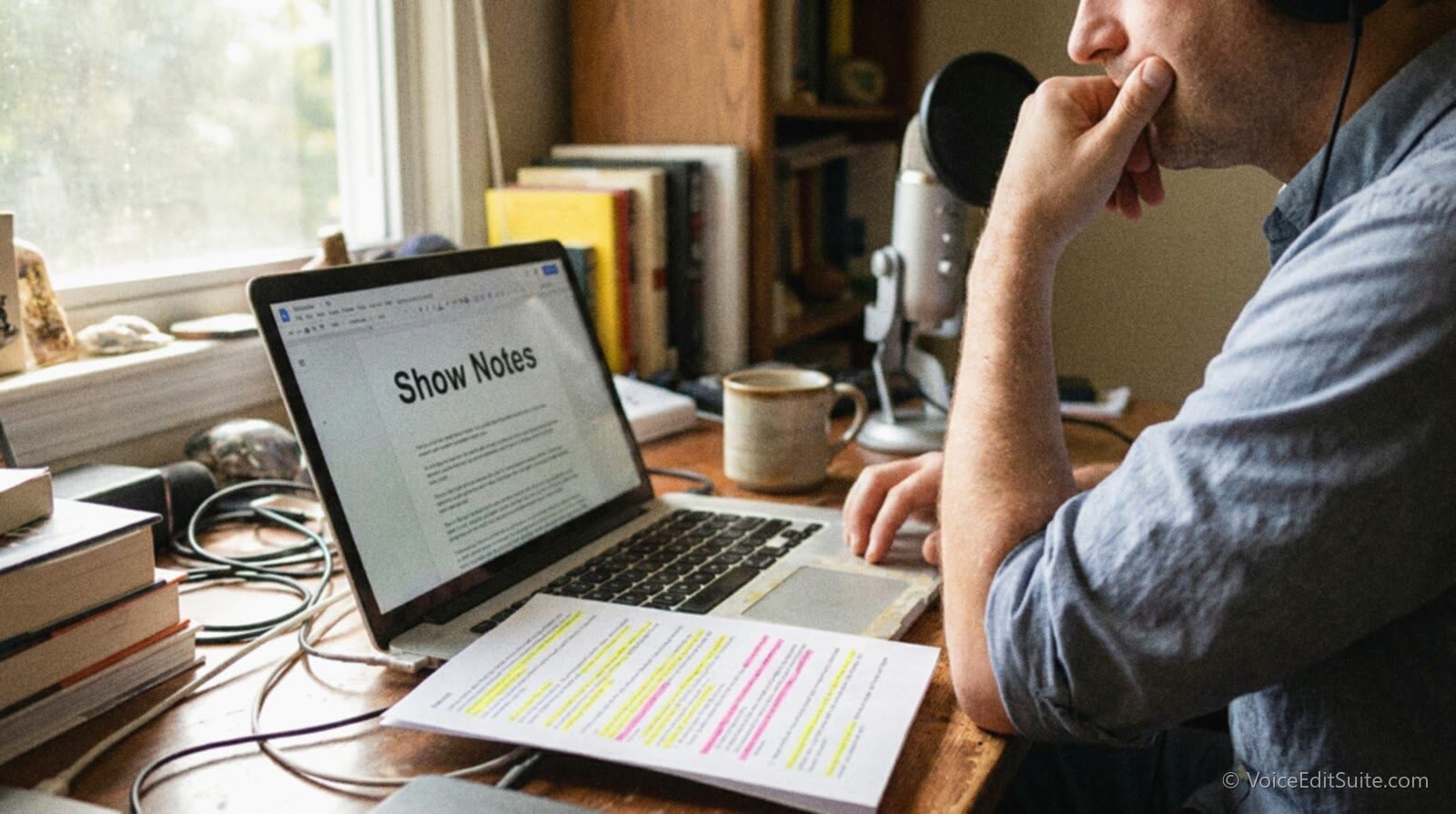
The short answer: your episode title, your RSS description, and your show notes are three different pieces of text that do three different jobs, and most of what gets called "podcast SEO" mixes them together until none of them work. Apple Podcasts and Spotify search mostly read the title, author, and description fields inside your RSS feed, not your website. Google reads the opposite: it cannot see inside your feed at all, and since 2023 it has had no dedicated feature for surfacing podcast episodes directly in search results. What Google can read is an ordinary web page on your own site, written in real sentences, that happens to be about one episode.
That gap is the whole article. A single thin paragraph pasted into your feed description, your episode title, and a one-line page on your site optimizes for none of the three. The fix is a show notes page built like a real piece of writing: a one-sentence summary with the subject near the front, a timestamped structure, the handful of points a reader would want even if they never press play, a line on who your guest is, and the links you mentioned on air. Below is what each platform's own documentation says it is actually looking for, how to build that page from a transcript you likely already have, and the mistakes that quietly cost independent shows their only real chance of being found by someone who wasn't already searching for them by name.
What Show Notes Actually Are, As Opposed to a Title or a Feed Description
Three objects get called "show notes" interchangeably, and conflating them is the first mistake. The episode title is the short string that shows in a list view inside Apple Podcasts, Spotify, or a podcast app's search results; most of those apps truncate long titles in list view, so the words that identify the episode need to sit near the front rather than after a run of generic ones. The episode description, sometimes called the RSS description or the itunes:summary tag, is the paragraph attached to that episode inside your RSS feed; it is what a listener sees under the title before they press play, and it is one of the few fields the apps actually read for their own in-app search. Show notes, properly speaking, are neither of those. They are the page on your own website: the one place you fully control, that can be as long as the episode deserves, and the only one of the three a search engine such as Google ever sees.
- Episode title: shown in list view, truncated by most apps, read by Apple's and Spotify's own search.
- Episode description: the RSS description or itunes:summary tag, shown under the title, also read by in-app search.
- Show notes page: your own website, no length limit, the only one of the three a search engine can crawl.
How Podcast Search Actually Works, Platform by Platform
"Podcast search" is really three unrelated systems wearing one name, and each one is documented separately by the company that runs it, with very different answers about what they read.
Apple Podcasts
Apple does not publish a full ranking algorithm, but its documented inputs, as described in the podcast hosting platform FeedPress's own search FAQ summarizing Apple's material, point to the title, author, and description tags at the channel and episode level of your RSS feed, combined with popularity signals such as follows and plays. There is no separate field for a list of keywords. The old itunes:keywords tag that older podcasting guides still mention carries little to no weight today, a point the podcast analytics company Podstatus makes plainly in its own guide to the subject. The practical read is that the words a listener would type into the Apple Podcasts search box need to appear naturally in your show title, your episode title, or your episode description, not stuffed into a field nobody actually reads.
Spotify
Spotify's own creator documentation, published at creators.spotify.com, is more specific than Apple's about episode descriptions. It tells creators to keep a description to about three sentences, because listeners scroll past anything longer, and to put the words people would actually search for inside that short block of text. Its own worked example is a single sentence that names the guest and the specific topics discussed. For an episode with a guest, Spotify's guidance is to name them, say what they are known for, and list the topics covered, rather than a generic "in this episode we talk about..." line that could belong to any episode of any show.
Google is the platform most podcasters get wrong, because the feature they remember no longer exists. From 2019, Google Search showed playable podcast episodes directly in results, with a play button next to the show's name, matched against a user's query. Google ended that feature for most podcasts in February 2023, telling podcasters through its Podcast Manager tool that the carousels would stop appearing by February 13 of that year, as TechCrunch reported at the time. The standalone Google Podcasts app that had powered the feature was shut down entirely in 2024, with users pointed to YouTube Music instead. There is, as of this writing, no dedicated podcast search inside Google. What is left is ordinary web search: Google crawls and ranks your show notes page the way it ranks any other page, using the text on that page, not the audio file it links to and not, as far as any current official documentation confirms, the contents of your RSS feed.
Do Transcripts Actually Help You Get Found?
This is where two different claims get confused. Apple Podcasts now generates an automatic transcript for many shows, shown underneath the player and usable to tap through to any line; it is a real, useful accessibility and navigation feature. But a transcript displayed inside the Apple Podcasts app is not a web page, and nothing in Apple's own documentation claims that transcript is used as a search ranking input, inside the app or on the open web. The transcript you should actually care about for search is the one you turn into text on your own site.
The clearest evidence that this mechanism works comes from radio, not podcasting narrowly. According to a case study published by the transcription company 3Play Media, the public radio show This American Life transcribed its full archive in 2011 and reported a 4.18 percent rise in unique visitors to its site afterward, with visitors arriving through organic search up 6.68 percent. Treat those figures with the caution they deserve: the study comes from a vendor with a direct commercial interest in the result, covers a single show, and does not isolate transcripts from any other changes the site made around the same time. What it does support, carefully, is the general mechanism rather than the exact numbers: text a search engine can crawl drives search traffic that an audio file alone cannot, because Google indexes words, not sound.
Building a Show Notes Page That Works for Both Audiences
This matters more for an independent show than a networked one, because organic search is one of the only discovery channels you fully control. The median independent episode gets a modest number of downloads in its first week, mostly from people who already know the show exists, as the 2026 podcast industry numbers lay out in detail. A show notes page that actually ranks on a search engine is a route to a listener who has never heard of you, found through the subject rather than the show's name, and it does not depend on any app's own recommendation algorithm.
A show notes page that does its job for both a search engine and a human reader deciding whether to press play has the same five pieces, in roughly this order.
- A one-sentence summary with the subject near the front. Not "In this episode we chat about..." but the actual topic and, if there is one, the guest's name, in the first sentence. This line doubles as your meta description and the preview text most apps show.
- Timestamps for the real segments. Not every sentence, but every subject change, so a reader scanning the page can see what the episode actually covers and jump straight to the part they want.
- Three to five key takeaways, written out in full sentences. These are the lines people quote back to you, link to, and screenshot, and they are the easiest part of the page for a search engine to match against a specific question.
- A guest bio, when there is a guest. Their name and what they are known for, the two things Spotify's own guidance specifically calls out, because those are the exact words a stranger who heard about your guest somewhere else will type into a search box.
- Links to everything mentioned on air. Every book, tool, article, or website your guest or your co-host referenced, named properly rather than described vaguely as "a great book about this."
None of those five pieces require new reporting. All five come straight out of a transcript of the episode itself, which is why the fastest way to write a good show notes page is to work from one rather than writing from memory a day after recording.
A Before and After, With a Generic Example
Here is what the difference looks like in practice, using a generic microphone-comparison episode as the example so nothing here doubles as promotion for a real show.
Before
Episode 47 is here! This week we chat about mics and other gear. Hope you enjoy, and don't forget to subscribe and leave a review!
Nothing in that paragraph is wrong, exactly. It is just thin: no subject a search engine or a reader can act on, no names, no structure, and a paragraph identical in shape to the one that will go up next week under a different episode number.
After
Episode 47 compares five budget USB microphones for a home podcast, recorded one after another through the same interface so the differences are audible rather than described. (02:10) Why we tested all five in the same room on the same day. (08:40) The two mics that sounded thin without a pop filter. (19:05) The one that needed the least EQ to sound broadcast-ready. (31:50) Our pick for a first mic under a tight budget, and the one we'd upgrade to next. Key takeaways: a cheap mic close to your mouth usually beats an expensive one across the room; USB mics vary more in their built-in preamp noise than in their actual frequency response; none of the five needed more than light EQ once gain staging was right.
The second version is longer, but every extra word is doing work: a subject a search engine can match, timestamps a reader can jump to, and takeaways that stand on their own even if the person reading them never opens the audio file at all.
Turning One Transcript Into Show Notes and a Standalone Post
A raw transcript is not show notes by itself. It is long, repetitive, full of false starts and crosstalk, and reads exactly like the thin, unedited text that search engines rank poorly. But it is the best possible raw material for two different pages: the show notes page described above, and a separate, longer post that goes deeper into the episode's subject than show notes ever should.
Getting a clean transcript out of a raw recording is usually the slow part, which is where cleaning up the episode audio itself and getting a usable transcript can become the same step rather than two separate ones.
↗ Try the tool
Auto Clean Up
Auto Clean Up transcribes a raw episode as part of its normal editing pass, cutting breaths and dead air while it builds the text underneath. Upload the recording once and you get a clean audio file and a transcript to write show notes from, not two separate jobs on two separate nights.
Open Auto Clean Up →A standalone blog post built from the same transcript is where length actually helps. Backlinko's analysis of show notes pages found the average page ranking in Google's top ten results ran to roughly 1,447 words, far beyond what a scannable show notes page should ever be. Show notes should stay short; a companion post on the episode's actual subject, written for someone who found it through a search engine rather than a podcast app, can run to whatever length the topic deserves. That post is also where you can go further than the episode itself did: expanding a point a guest made in passing, adding context a reader searching the topic would want, or linking out properly to sources mentioned only by name on air. Shows with sponsor inventory worth selling, the kind covered in our guide to host-read ad rates and delivery, tend to be the ones treating every episode as two pieces of content instead of one.
Common Mistakes That Quietly Cost You Search Traffic
Most independent shows that never show up in a relevant search result are not failing for any mysterious reason. They are making one of a short list of avoidable mistakes.
- Keyword-stuffed titles. Packing a title with every term a listener might search, "Podcast Marketing SEO Growth Tips for Creators Episode 47," reads as spam to a human, gets truncated in list view before the real subject appears, and gives Apple's and Spotify's own description fields nothing distinct left to match against.
- No timestamps. A page with no timestamps forces a reader to either listen to the whole thing or leave, and it gives a search engine nothing granular to match a specific question against. Timestamps are the cheapest structural fix on this entire list.
- Duplicate content across episodes. Pasting the same boilerplate paragraph about the show, the same generic subscribe line, and the same standing links into every single episode's show notes page means every one of those pages reads as near-identical to the ones around it. A search engine that notices a long run of pages saying the same thing tends to rank none of them well, rather than picking a favourite.
- Writing only for the in-app preview. A three-sentence description written for Spotify's preview window, then reused verbatim as the entire show notes page, wastes the extra room a web page actually has to work with.
- Treating show notes as the last thing done, at the lowest energy point. Written the same night as several other episodes, after the attention for careful writing is already gone, which is exactly when the thin, interchangeable version above gets published instead of the specific one.
None of this matters, of course, if the episode itself is hard to listen to once someone actually finds it. The five real causes of a podcast that sounds bad are worth ruling out before spending hours rewriting show notes for an audience that clicks away thirty seconds in regardless of how well the page ranked.
The Show Notes Checklist
Before you publish, run the page against this list once.
If every box is checked, the page is doing both of its jobs at once: giving Apple's and Spotify's in-app search clean, specific fields to match against, and giving Google an actual page worth crawling and ranking, rather than three copies of the same thin paragraph spread across a feed, a title, and a website.
Frequently Asked Questions
Do keywords in my podcast title help it get found?
The words matter, but not as a hidden field. Apple has no dedicated keywords tag with meaningful weight any more, and Spotify's own guidance points to writing natural sentences rather than stuffing terms. Put the real subject, in plain words, near the front of the title and the first sentence of the description, and let that do the work a keywords field used to promise.
Does Apple Podcasts read my transcript when ranking search results?
Not according to anything Apple has published. Apple generates its own automatic transcripts for playback and navigation, which is a listener feature, not a documented search input. The transcript that actually helps you get found is the one you turn into a show notes page that Google can crawl.
How long should a podcast show notes page be?
The core show notes, summary, timestamps, takeaways, bio, and links, can be a few hundred words and still do everything on this list. If you want a page that competes for broader search traffic on the episode's subject, a companion post running closer to Backlinko's reported top-ten average of around 1,447 words gives a search engine far more to work with than a scannable show notes block ever will on its own.
Can I reuse the same show notes template word for word on every episode?
The structure, yes. The words, no. A template that reminds you to include a summary, timestamps, takeaways, a guest bio, and links is exactly what this guide recommends; pasting the same boilerplate sentences into that structure every week is the duplicate-content mistake this guide warns against.
Do timestamps actually affect search rankings?
No platform confirms timestamps as a direct ranking signal on their own. What they reliably do is give a reader a reason to stay on the page and scan it rather than bouncing immediately, and give a search engine specific phrases tied to specific moments rather than one undifferentiated block of text, both of which help indirectly even without being a named ranking factor.
Does Google still show podcasts directly in search results?
Not the way it did before 2023. Google removed the playable podcast carousel feature from most search results that February, and shut down the Google Podcasts app entirely in 2024. What remains is ordinary web search ranking your show notes page like any other page, which is the entire reason that page is worth building properly.
Sources and Further Reading
- FeedPress, How search works in iTunes with podcast keywords: a podcast hosting platform's own FAQ summarizing Apple's documented search inputs, title, author and description fields, and the limited role of the old keywords tag.
- Podstatus, Podcast Keywords: A Practical Guide to Getting Found: a podcast analytics company's guide confirming there is no dedicated keywords field with real weight in current Apple Podcasts search.
- Spotify for Creators, Podcast episode descriptions: Spotify's own guidance on description length, naming guests, and the worked single-sentence example used in this guide.
- Google, Podcast Schema.org specification: Google's own structured data reference for PodcastSeries and PodcastEpisode markup, including the stable identifier and canonical URL requirements for a show notes page.
- TechCrunch, Google winds down feature that put playable podcasts directly in search results, February 7, 2023: the removal of podcast carousels from Google Search.
- 9to5Google, Google Podcasts: coverage of the Google Podcasts app shutdown in 2024 and the move to YouTube Music.
- Backlinko, How to Create SEO-Friendly Podcast Show Notes: the reported average word count of a page ranking in Google's top ten results, and the case for a companion post beyond the show notes page itself.
- 3Play Media, This American Life case study: a transcription vendor's published figures on unique visitor and organic search growth after transcribing a full show archive, cited here with the caveats a vendor-published study deserves.