
The short answer: a podcast trailer is a short, standalone episode, generally one to three minutes, published before your first real episode so that new listeners, and the apps deciding who to recommend your show to, have something to evaluate before committing to a full episode. A trailer needs a hook in its first few seconds, a plain statement of what the show is and who it's for, a short taste of the actual voice or format a listener can expect, and one clear call to action: subscribe, follow, or press play on episode one. It should be marked with the Trailer episode type in your RSS feed rather than published as a normal numbered episode, because Apple Podcasts and Spotify both read that tag and treat it differently from the rest of your catalog.
That distinction matters because almost nobody finds a brand-new podcast by stumbling onto episode one of a show with zero reviews and zero history. Discovery for an independent show is already an uphill climb: the data on the current state of the independent podcast market finds the median independent episode reaches only a few dozen listeners in its first week. A trailer is the cheapest, fastest thing you can publish that gives a stranger, or a podcast app's own recommendation system, a reason to take a chance on a show that has not proven anything yet. It does that job without asking anyone to commit thirty or sixty minutes, which is the entire advantage it has over just pointing people at episode one.
What a Podcast Trailer Actually Is, and Why You Need One Before Launch
A trailer is not a condensed highlight reel cut from your best episode, and it is not episode zero with a different number. It is a separate, deliberately short piece of audio built from scratch, whose only job is answering three questions for a total stranger in under two minutes: what is this, who is it for, and why should I come back. Podcast feeds support a dedicated Trailer episode type specifically because a trailer behaves differently from a normal episode in how it is displayed, when it can go live, and whether it needs an episode number at all.
Practically, that means a trailer can and should be published before anything else in your feed exists. Submitting a podcast to Apple Podcasts or Spotify for the first time requires at least one published item in the RSS feed, and a trailer, rather than a half-finished episode one, is the item most producers use to satisfy that requirement while they finish the real premiere, as the podcast host Transistor notes in its own guidance on why a podcast needs a trailer episode. That gives you a live, indexed show page, visible under your real title and artwork, days or weeks before you are under pressure to have a finished first episode ready.
A trailer also gives you a second, lower-stakes chance to get the show's positioning right. An episode one that opens with ten minutes of scene-setting and throat-clearing before it gets to the point is a known problem covered in detail by the research on where listeners actually stop a weak episode, and a trailer forces the opposite discipline onto you early: there is no room in ninety seconds for a slow build, so writing one is good practice for writing a tighter episode one as well.
Marking an Episode as a Trailer: What Apple and Spotify Actually Say
Both major platforms read the same underlying signal: the `itunes:episodeType` tag in your RSS feed, which can be set to full, trailer, or bonus for any given item. Apple's own podcaster support documentation for setting up an episode in Podcasts Connect describes an Episode Type field in the episode setup form that lets you indicate whether a given item is a full episode, a bonus episode, or a trailer, and Apple's show page is built to automatically surface a trailer, when one exists, to help new listeners decide whether to try the show. Which specific trailer displays depends on whether your show is set up as episodic or serial, and whether the trailer is scoped to the whole show or carries a season number tied to a specific run.
Spotify reads the same tag, and its own podcaster support article on uploading and setting a trailer describes a trailer episode as appearing at the top of the episode list inside the Spotify app, ahead of regular numbered episodes, rather than sorted chronologically with everything else. For shows created directly inside Spotify for Podcasters, you set this from the episode's own Additional Details panel by choosing Trailer under Episode Type. For a show hosted elsewhere and only distributed into Spotify through its RSS feed, Spotify's documentation describes a separate path: open Settings in Spotify for Podcasters and use Select Your Trailer to point at whichever already-published episode should take that slot.
In practice, almost nobody sets this tag by hand in raw XML. Every mainstream host exposes an Episode Type dropdown with Full, Trailer, and Bonus as options when you upload an episode, which is one more reason the choice of who actually hosts your show's feed matters beyond storage and analytics: a host that buries or mishandles this field can quietly prevent your trailer from being recognized as one at all, even though the audio itself published fine. If you want to understand what that dropdown is actually writing into your feed and why both platforms trust it, how podcast RSS feeds are structured is the place that explains the file both of them are reading.
- No episode number required. A trailer does not need, and usually should not carry, a sequential episode number, since most hosts and both platforms treat it as sitting outside the regular numbering.
- It can predate your real launch. A trailer can go live before episode one is finished, satisfying the one-published-item requirement most directories enforce before they will list a new show.
- It displays differently, not just differently labeled. Apple surfaces it on the show page itself; Spotify places it at the top of the episode list, ahead of your numbered catalog, rather than in chronological order.
- Some apps ignore the distinction entirely. Not every podcast app gives a trailer special placement. Overcast and YouTube Music, as Transistor's own guidance notes, do not currently treat a tagged trailer any differently from a regular short episode.
How Long Should a Podcast Trailer Be
Most current, specific guidance converges on roughly one to three minutes for a trailer meant to live permanently at the top of your feed, with a narrower sweet spot of around sixty to ninety seconds coming up repeatedly across production blogs. The podcast hosting platform Acast's own trailer best practices guide recommends a trailer of one to three minutes for the podcast platforms themselves, and separately suggests cutting a shorter thirty to forty-five second version specifically for social media, where attention is scarcer and a scroll-stopping clip has to do more work in less time than a listener who has already opened your show page.
Treat the lower end of that range as the default rather than the exception. A trailer that runs the full three minutes needs genuinely strong material to earn that length, a format with real tension or an unusually distinctive voice, because the whole value of the format is letting a stranger decide quickly. A trailer padded out with music beds and a slow fade simply to fill two minutes tests worse than a sharp one that says what it needs to in under a minute. If you are also cutting a short teaser for social feeds, that piece can run shorter still, fifteen to twenty seconds, since it is competing for attention in a completely different context than someone who has already clicked into your show page on purpose.
Inside that one to three minute window, the order of the pieces matters more than their exact individual lengths, which is what the next section covers.
How to Script a Trailer That Actually Converts
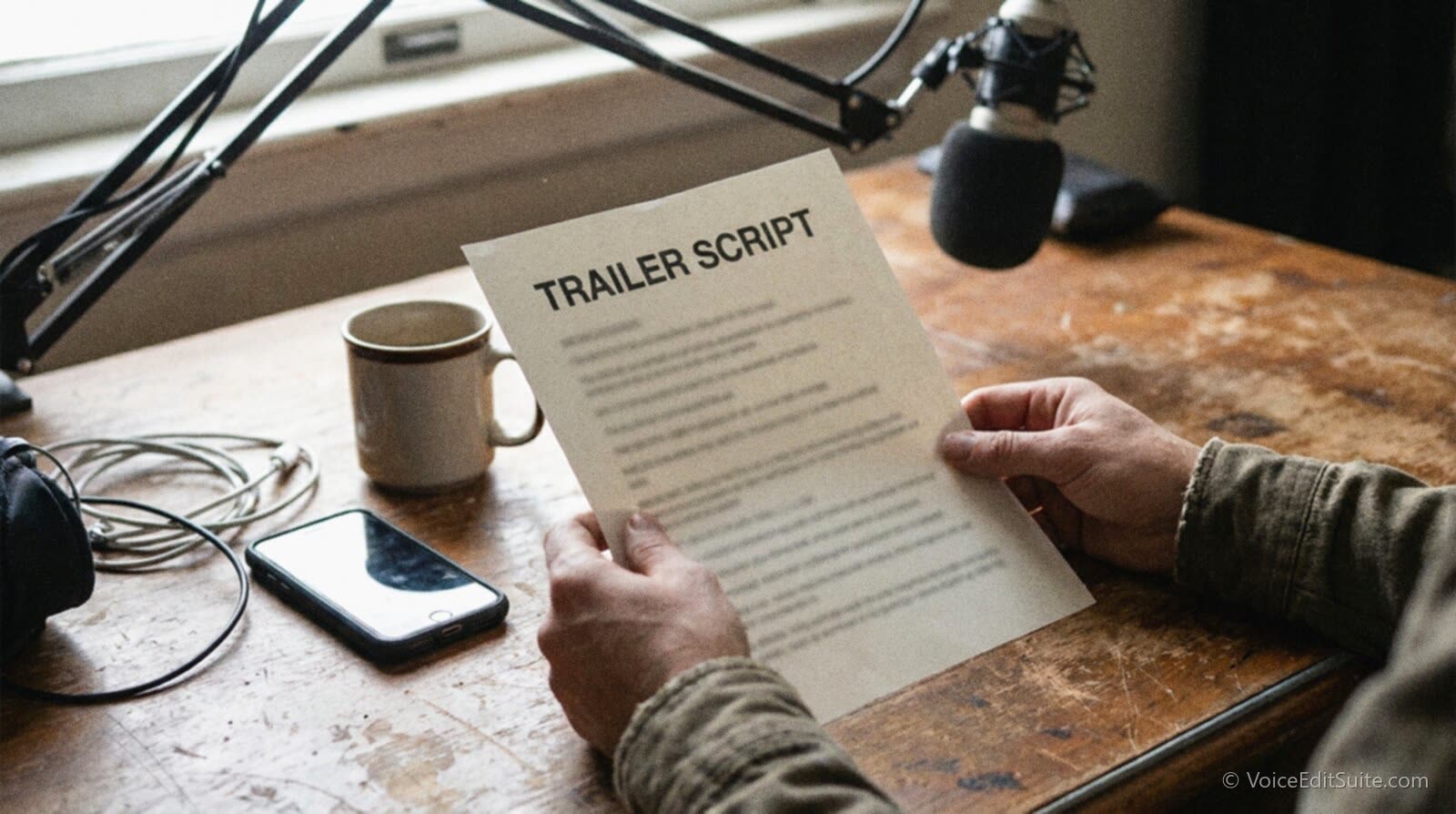
A trailer script is short enough to write, revise, and time on a single page, and it is worth treating that way rather than winging it in front of the mic. The four pieces below show up, in close to this order, across nearly every production guide and hosting-company checklist on the topic, even when the wording and emphasis differ.
The Hook: Earn the Next Five Seconds
Open on the single most specific, most interesting thing about the show, not on your show's name, your own name, or a logo-card-style intro. A question, a bold claim, or a line pulled straight from the kind of story the show tells does more work in the first five to ten seconds than any amount of polished scene-setting. The goal of the hook is narrow: earn permission to keep listening for the next ten seconds, nothing more, because a listener who bails in the opening moments never hears the rest of the pitch regardless of how good it is.
What the Show Is, Who It's For, and a Taste of the Voice
After the hook, state plainly what the show actually is and who it is for, and be as willing to say who it is not for as who it is. The podcasting platform Buzzsprout's own guidance on building a trailer explicitly recommends letting listeners know who this podcast is for and who it's not for, on the logic that a trailer which tries to appeal to everyone ends up convincing almost no one, while a trailer that clearly names its audience lets the right people self-select in with confidence. Pair that positioning with a short, real taste of the show itself: an actual clip of your interviewing style, a few seconds of your narration voice, or a genuine excerpt of back-and-forth with a cohost, rather than a narrator describing the show in the abstract. A listener deciding whether to subscribe is really deciding whether they want to hear more of this specific voice and format, and a description can never substitute for actually hearing it.
A Clear Call to Action
Close with exactly one clear instruction: subscribe, follow, or listen to episode one on a stated date. The podcast production company Quill Podcasting's own guidance on trailers recommends limiting a trailer to one or two calls to action to get the best results, since stacking several asks, follow here, visit this site, join this newsletter, dilutes all of them and leaves a listener unclear which action actually matters most right now. If you already know your premiere date, say it specifically, since a concrete date gives a listener a reason to subscribe immediately rather than meaning to come back later and forgetting.
↗ Try the tool
Script Accuracy Checker
A trailer script is short enough that every sentence has to earn its place, and that is exactly the kind of tight, high-stakes copy where a second set of eyes catches what you can't hear in your own writing anymore. Script Check reviews pacing, clarity, and the parts a cold listener would get lost on, before you spend studio time recording a version that buries the hook under three sentences of preamble.
Open Script Accuracy Checker →Interview Shows vs Narrative and Fiction Shows
The four-part structure above holds for almost any format, but what fills the "taste of the voice" section changes a lot between an interview show and a narrative or fiction show. An interview show's trailer works best built from real, unscripted moments: a genuinely sharp exchange, a guest saying something surprising, proof that the host can draw out something worth hearing. A narrative or fiction podcast's trailer is closer to a movie trailer in the literal sense, built from scripted scenes, sound design, and voice performance, since the entire point is proving the production quality and world-building are real before asking anyone to invest in a season-long story. If you are producing the latter, how independent audio drama and fiction podcasts are actually produced covers the specific production workflow that a strong fiction trailer depends on, since a trailer with thin sound design undersells a show whose whole appeal is sound design.
When to Release It, Whether to Redo It Each Season, and How to Promote It
A trailer only does its job if it goes live early enough to be indexed and discoverable before anyone is looking for episode one, and it only stays useful if it keeps accurately describing the show it is sitting in front of.
Release Timing Before Launch
Publish the trailer roughly two to four weeks before your first full episode, not the same day. That window gives directories time to index your show, gives you time to confirm the feed actually validates and displays correctly across apps, and gives any early audience you have, a newsletter list, a social following, time to subscribe before the premiere rather than discovering the show only after it. A trailer published the same day as episode one loses most of this advantage, since there is no longer a gap for anyone to subscribe ahead of the thing they are being asked to subscribe ahead of.
Should You Release a New Trailer for a New Season
For a seasonal show, yes, generally. The podcast hosting company CoHost's own best-practice guidance on trailers describes a season trailer as a way to get back on listeners' radar after a hiatus and build anticipation ahead of a new run, distinct from the original show trailer that introduced the whole series. The deciding question for an ongoing, non-seasonal show is different: does your existing trailer still accurately describe the show. If the format, host lineup, or release schedule has changed meaningfully since you recorded it, the original trailer is actively misleading new listeners and is worth replacing. If nothing material has changed, there is little benefit to re-recording one just because time has passed.
Getting the Trailer Actually Heard
A trailer sitting unplayed at the top of your feed does nothing on its own. The same channels that work for promoting any new episode work for a trailer, with one advantage: it is short enough to share in full rather than as a clip.
- Share the whole trailer, not just a clip of it, on every social account tied to the show, since at sixty to ninety seconds it already fits the length most platforms favor without any further cutting.
- Send it to your existing list first, an email newsletter, a Discord, a following built around other work, before it goes out to strangers, since people who already trust you are the most likely to subscribe on a cold trailer alone.
- Submit the show to podcast directories and "new and noteworthy" roundups as soon as the trailer is live, since many of these run on a submission lag and a show with nothing published yet often cannot be submitted at all.
- Ask early supporters to follow and leave a rating once the trailer is live, since both platforms weight early engagement signals when deciding which new shows to surface, and a trailer with zero follows looks identical to a trailer nobody has found yet.
- Mention the trailer inside a companion piece of writing, such as a show notes page built for search for the trailer itself, since a trailer that is also indexable text gives search engines something to find before episode one even exists.
Real Examples Worth Studying
A useful way to calibrate your own trailer is to study ones that are widely cited as working well, and a few specific examples come up repeatedly in production coverage. The history podcast History Daily's trailer has been singled out by Trailer Park, a podcast hosted by Arielle Nissenblatt and Tim Villegas whose entire premise is critiquing other shows' trailers episode by episode, as a tightly built example worth studying in detail rather than taking on description alone. The sleep-focused show Dreamful is used as a case study in Buzzsprout's own Podcasting Q&A segment on trailer construction precisely because its bedtime format forces an unusually clear statement of tone within the first few seconds. A research brief from the media consulting firm Coleman Insights, a playbook for producing successful podcast teasers, studied several shows specifically for storytelling structure and emotional connection in their trailers, treating trailer construction as a measurable craft rather than a matter of taste. The podcast production studio Pacific Content, in its own piece on the importance of the podcast trailer, also points out that some established shows lean into self-awareness about the format itself, citing a trailer from a Jon Stewart-produced show that openly joked about the convention of trailers rather than playing it straight, a reminder that the four-part structure above is a strong default, not a rigid formula every show has to follow identically.
None of these examples is a template to copy line for line. What they share is discipline: a decision, made deliberately rather than by default, about what the trailer is trying to prove about the show in a very small amount of time, and a willingness to cut anything that doesn't serve that one decision.
Frequently Asked Questions
How long should a podcast trailer actually be?
Most current guidance converges on roughly one to three minutes, with sixty to ninety seconds as the sweet spot most production guides actually recommend aiming for. A shorter fifteen to forty-five second cut is worth making separately for social media, where it competes for attention differently than it does sitting on your own show page.
Do I set the trailer episode type the same way on Apple Podcasts and Spotify?
Mostly yes, since both read the same `itunes:episodeType` tag from your RSS feed, which almost every hosting platform exposes as an Episode Type dropdown rather than something you edit directly. The one real difference is for a show distributed into Spotify from an external RSS feed: Spotify's own documentation describes a separate Select Your Trailer setting inside Spotify for Podcasters for pointing at the right episode, in addition to reading the tag itself.
Should I release a new trailer for every new season?
For a clearly seasonal show, yes, a short new trailer ahead of each season helps re-engage an audience after a hiatus and signals that the show is actually back. For an ongoing, non-seasonal show, only redo the trailer when something it describes has actually changed, a new host, a new format, a different release schedule, rather than on a fixed schedule just because time has passed.
Can I publish a trailer for a podcast that already has episodes out?
Yes, and it is a reasonable move if your original trailer, or lack of one, no longer represents the show well. Record a new trailer the same way you would for a launch, set its episode type to Trailer, and most hosts and both platforms will surface it the same way regardless of whether your catalog already has fifty episodes or none.
Does a trailer need its own music or cover art?
A trailer can and usually should use the same cover art as the rest of the show, since consistency is part of what makes a show recognizable, and specs for that artwork are the same ones that apply to every other episode's artwork. Music is more flexible: a short sting or theme excerpt under the hook and CTA works well, but it should never compete with or bury the spoken pitch, which is still the part doing the actual convincing.
How is a trailer different for a narrative or fiction podcast compared to an interview show?
The structure stays similar, but what proves the show's quality changes. An interview show's trailer works best built from a real, unscripted exchange that shows the host can draw something genuinely interesting out of a guest. A narrative or fiction show's trailer is closer to a film trailer: scripted scenes, voice performance, and sound design doing the work, since the whole pitch of a fiction show rests on production values a plain description cannot convey.
Sources and Further Reading
- Apple Podcasts for Creators, Content Setup: how to create an episode: Apple's own description of the Episode Type field (full, bonus, trailer) and how a trailer is automatically surfaced on a show's page.
- Spotify for Podcasters, Uploading a trailer: Spotify's own documentation on setting an episode as a trailer, both for shows hosted directly on Spotify and shows distributed from an external RSS feed.
- Transistor, Why your podcast needs a trailer episode: on the practical requirement to publish something before directory submission, and how trailer placement differs across Apple Podcasts, Overcast, and YouTube Music.
- Acast, Podcast Trailer Best Practices: length recommendations for a platform trailer versus a shorter social cut.
- Libsyn, How to Create Pro Podcast Trailers: Examples, Template, and Script: structural guidance and a trailer script template.
- Quill Podcasting, Podcast Trailer: guidance on limiting a trailer's calls to action, with the Momentum trailer for the Canadian Olympic Committee cited as an example.
- CoHost, Podcast Trailers Best Practice Guide: on refreshing a trailer when a show's format changes and releasing season-specific trailers.
- Coleman Insights, Podcast Trailers: A Playbook for Producing Successful Teasers: a media research firm's study of trailer structure, storytelling, and emotional connection across several named shows.
- Pacific Content, The Importance of the Podcast Trailer: on established shows playing with, rather than strictly following, standard trailer convention.
- Buzzsprout, Podcasting Q&A: Elements of a Great Podcast Trailer: guidance on stating clearly who a show is for, and who it is not for.