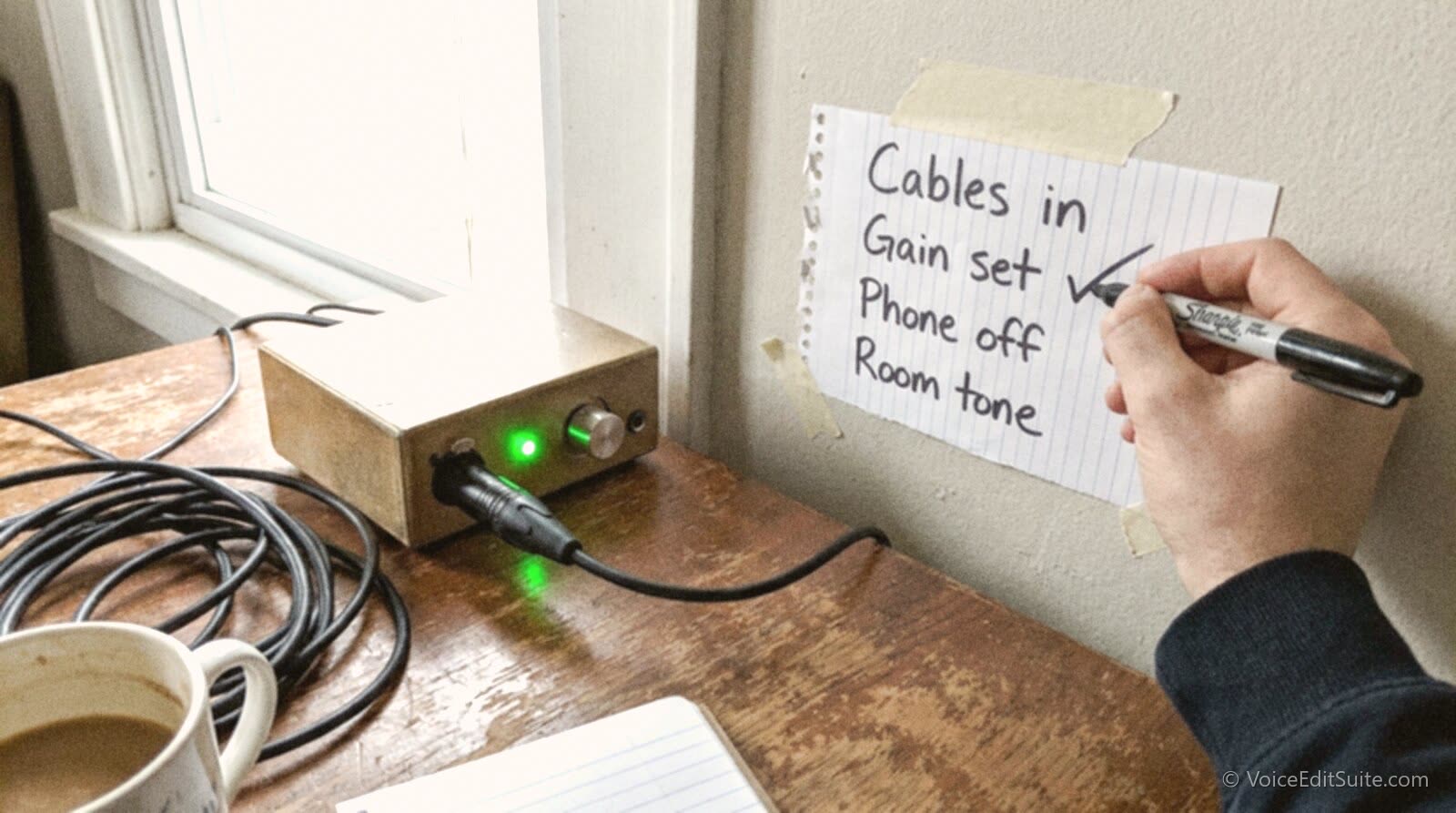
A ruined take forty minutes into a session is rarely a performance problem. It's a settings problem: a gain knob left where yesterday's louder client needed it, an interface that silently reverted to its internal clock, a cable that's been slowly failing for weeks and finally gives up mid-sentence. None of these show up until you're already listening back to a read you liked, wondering why it sounds wrong. A short, repeatable checklist run before every session, not just the ones that feel important, catches almost all of it before it costs you anything.
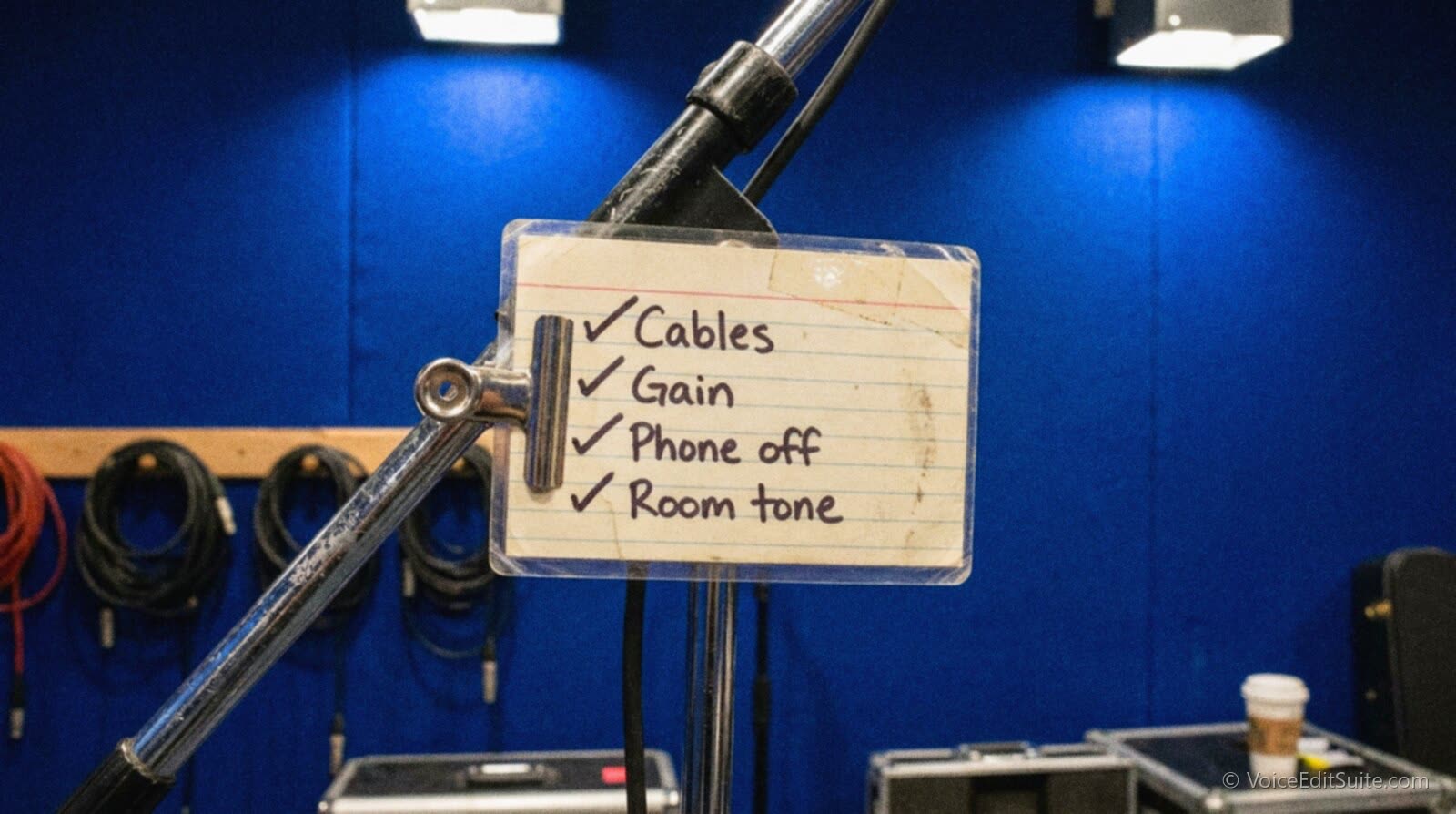
Why Trusting Your Memory Doesn't Work
The problem with relying on memory for this is that the moment you're most likely to skip a check is exactly the moment you need it most: when you're in a hurry, already running a few minutes late, and eager to just get started. That's precisely when a setting left over from the previous session slips through unnoticed. A written checklist doesn't care how rushed you feel. It just sits there until you've actually gone through it, which is the entire point.
What Actually Belongs on the List
- Interface and drivers: confirm the correct input device is selected in your DAW, not whatever device the operating system defaulted back to after a restart or an update.
- Sample rate and bit depth: check they match your project settings, since an interface that silently reverted to a different rate produces a recording that sounds subtly wrong in ways that are hard to diagnose after the fact.
- Gain staging: do a quick level check at your actual speaking volume, not a whisper, since yesterday's settings for a different voice or a different room almost never carry over cleanly.
- Cable and connector check: wiggle test the XLR or USB connection at both ends if you've had any unexplained dropouts recently; a connector that's about to fail usually gives a few warning signs first.
- Room check: a quick clap or a few seconds of silence recorded and played back, listening specifically for anything new, a humming appliance, an HVAC cycle, a neighbor's noise that wasn't there last time.
- File setup: confirm you're recording into a fresh, correctly named project file, not accidentally into yesterday's session where a mistake could overwrite work you still need.
- Headphone monitoring: confirm you can actually hear yourself clearly at a safe volume, since monitoring through the wrong output is a common and completely avoidable mistake.
Where Ruined Takes Actually Come From
The pattern that shows up again and again, once you start actually tracking why a take got thrown out, is that performance mistakes are usually the smallest category. Gain staging left over from a previous session, a cable connection nobody noticed was degrading, and new room noise account for most of the actual losses. All three are exactly the kind of thing a two-minute checklist is built to catch, which is why the checklist pays for itself the very first time it stops you from recording twenty minutes of unusable audio.
↗ Try the tool
Home Studio Analysis
A one-off analysis is useful, but it only tells you about the moment you ran it. Home Studio Analysis gives you a baseline to check your setup against each time you suspect something's drifted, free and in a couple of minutes.
Open Home Studio Analysis →Making It Actually Stick
A checklist that lives in your head doesn't survive a busy week. Print it, tape it to the wall beside your monitor, or keep it as the first line of every session's notes file, whatever actually puts it in front of you before you reach for the record button rather than after. Backing up your business files deserves the same treatment: a system that only works when you remember to think about it is a system that will eventually fail you on exactly the day you can't afford it to.
The checklist also earns its keep most on the sessions that feel routine, not the ones that feel high-stakes. A familiar client, a script you've read a hundred times before, a studio you know cold: that's the exact setup where attention quietly drops and a leftover setting slips through unnoticed. Keyboard shortcuts for editing workflow save time the same way, by removing a small decision from every single session rather than a big one from a few of them.
Frequently Asked Questions
How long should a pre-session checklist actually take?
Once it's a genuine habit, well under two minutes. The entire point is that it's short enough to run before every single session without feeling like a chore, not a thorough diagnostic you save for when something's already gone wrong.
Do I really need to run this before every session, even short ones?
Yes, and short, routine sessions are exactly where it matters most, since that's when attention naturally drops. Ground loop hum in a home studio is a good example of a problem that's completely silent until the one day it isn't, which is exactly the kind of thing a quick check catches early.
Does this change for a remote, client-directed session?
The checklist itself doesn't change, but the stakes do, since a client is listening live and a dropped connection or a bad setting wastes their time as well as yours. Running through it a few minutes before the call connects, rather than the moment it does, gives you a cushion to actually fix anything the checklist turns up.