The short answer: a transcript is not a caption, and most podcasts that call themselves accessible have built only one of the two. A transcript is a block of text on your website, timestamped loosely at best, that a reader can scroll through at their own pace. A true caption file, an SRT or VTT file timed to the exact second, is what actually lets a deaf or hard of hearing viewer follow your video episode as it plays, word by word, in sync with whoever is talking at that moment. Publishing one and assuming it covers the other is the single most common accessibility mistake independent podcasts make, and it is also, happily, one of the cheapest to fix.
This matters for a larger audience than most podcasters assume. The World Health Organization estimates that more than 1.5 billion people worldwide live with some degree of hearing loss, nearly 20 percent of the global population, with about 430 million of them affected severely enough to count as disabling hearing loss, and it projects that figure will reach roughly 2.5 billion people by 2050. In the United States alone, the National Institute on Deafness and Other Communication Disorders, part of the NIH, puts the share of adults who report some trouble hearing at around 15 percent, about 37.5 million people, a number that climbs to 22 percent of adults aged 65 to 74 and past half of everyone 75 and older. None of that is an edge case. It is a meaningful fraction of anyone's potential audience, and the fix for most of it is not an expensive accommodation. It is a transcript that actually gets published, and a caption file that actually gets checked before it goes live.
Who You Are Actually Making This For
Age is the strongest predictor of hearing loss by a wide margin, and that matters for podcasting specifically because older listeners are not a marginal part of the audience. NIDCD's figures show disabling hearing loss affecting 22 percent of adults aged 65 to 74 and 55 percent of adults 75 and older, which means a meaningful share of any show's older listeners are already relying on partial hearing, context, lip reading, or captions elsewhere in their media diet to follow spoken content. A podcast that offers nothing but a raw audio stream is, for a real and sizeable slice of its potential audience, simply unusable past a certain point, not merely inconvenient.
The WHO's own framing is worth sitting with too. Nearly 80 percent of people with disabling hearing loss live in low and middle income countries, where captioning and transcription infrastructure is often thinner than it is in the markets most podcast hosting platforms are built around. That is a reason to treat accessibility as core production work rather than a feature you bolt on once a show gets big, since the audience it serves is distributed everywhere your show is already reaching, not concentrated in one market you can address later.
A Transcript and a Caption File Solve Different Problems
A transcript is a document. It is the full text of an episode, usually published as a page on your website or attached to the episode in your podcast app, and the best ones are proofread, speaker-labeled, and broken into readable paragraphs rather than dumped as one continuous wall of text. A reader can skim it, search it, quote it, and read the whole episode faster than they could listen to it. What a transcript does not do, on its own, is sync to anything. It sits beside the audio, not inside it.
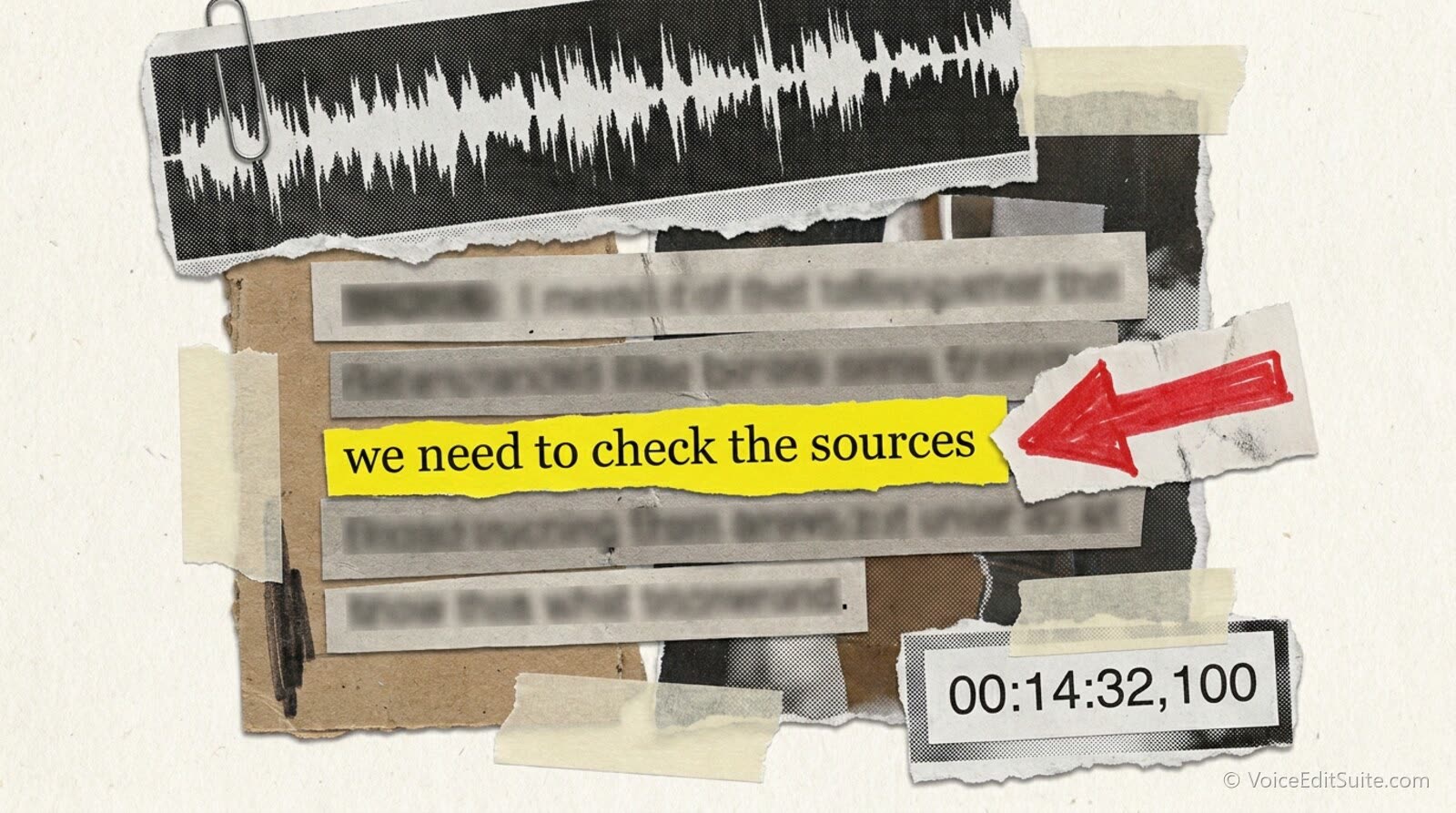
A caption file is different in kind, not just in detail. It is a timed text track, almost always an SRT or a WebVTT file, made of short blocks of text each stamped with an exact start and end time down to the hundredth of a second, meant to be overlaid on a video player so the right words appear exactly when they are spoken. SRT is the older, simpler format, plain numbered blocks with a comma before the milliseconds; WebVTT was built for the web and HTML5 video specifically, uses a period instead of a comma, and supports basic styling and on-screen positioning that SRT does not. Either format does the same core job: it lets someone watching your show's video version turn captions on and read the dialogue in real time, rather than reading the whole episode as a document beforehand or after the fact.
- Transcript: a document, no required timing, read at the viewer's own pace, lives on your website or as an attachment.
- Caption file (SRT/VTT): timed to fractions of a second, overlaid on a video player, read in sync with the spoken audio.
- What one does not replace: a transcript helps nobody trying to follow a live video stream in real time, and a caption file alone is a poor way to skim, search, or quote an episode after the fact.
A show that only ever publishes an audio-only episode needs a transcript and nothing more, because there is no video for a caption track to sync against. A show that also publishes video, on YouTube or anywhere else, needs both: the transcript for anyone reading rather than watching, and a true timed caption file for anyone watching with sound off or hearing impaired enough to need the text locked to the moment it is spoken. Treating the two as interchangeable is the gap almost every inaccessible podcast falls into.
What the Accessibility Guidelines Actually Require
The Web Content Accessibility Guidelines do not mention podcasts by name, but their success criteria map onto podcast audio cleanly enough that accessibility consultants and legal teams treat the mapping as settled. Success Criterion 1.2.1, Audio-only and Video-only (Prerecorded), requires a text alternative that presents equivalent information for prerecorded audio-only content. A podcast episode is, functionally, exactly the content this criterion describes, and a published transcript is the standard way shows satisfy it. Success Criterion 1.2.2, Captions (Prerecorded), is the separate requirement that applies once video enters the picture: prerecorded video with a synchronized audio track needs captions, so that a deaf or hard of hearing viewer can follow it the same way a hearing viewer does, speaker identification and meaningful non-speech sound included.
Those are two different checkboxes, which is the whole point. A show that publishes a transcript for its audio feed and stops there has satisfied 1.2.1 but has done nothing at all toward 1.2.2 for the video cut of the same episode on YouTube. Neither guideline specifies a numeric accuracy threshold on its own, but it is worth borrowing the bar that does exist elsewhere: the FCC's 2014 quality standards for television closed captioning, built after deaf and hard of hearing advocacy groups petitioned for them, require captions to be accurate, synchronous, complete, and properly placed, meaning every word in order with no paraphrasing, lined up with the spoken audio, running from the start of the program to the end, and never blocking anything essential on screen. Those rules apply to broadcast television, not to an independent podcast's YouTube channel, but they describe exactly the quality level that separates a real caption track from a rough auto-generated one left uncorrected.
Why this is also a legal question, not just a courtesy
Digital accessibility lawsuits under the Americans with Disabilities Act have increasingly targeted websites and the media embedded in them, not just physical storefronts, and audio or video with no text alternative is one of the easiest gaps for a complaint to point at. You do not need to be a large media company for that exposure to matter. Treating a transcript and a caption file as a standard part of publishing an episode, the same way you would not skip an RSS description, is the cheapest insurance available against a problem that is far more expensive to fix after the fact.
How Many Podcasts Actually Publish Transcripts Today
Hard, independently verified numbers on transcript adoption across the whole podcast industry are genuinely difficult to find, and most of what circulates online is a single informal figure repeated without its original methodology attached. The most commonly cited one traces back to an August 2023 analysis by the audiogram tool Headliner, which reportedly found that only around 20 percent of the podcasts it surveyed included a transcript with their episodes, leaving roughly 80 percent without one. Treat that figure as illustrative rather than rigorous: the sample, the exact method, and how shows were selected are not clearly documented anywhere it has been republished. What it does line up with, directionally, is the broader sense among accessibility researchers that transcript publishing remains the exception rather than the norm across podcasting, four and more years after the practice started being recommended in earnest.
A more carefully documented data point comes from a 2023 master's thesis out of Utrecht University by Jacobien Korver, which surveyed 74 deaf and hard of hearing respondents in the Netherlands, 52 of them hard of hearing and 22 deaf, about their experience with podcast accessibility. The respondents were, on balance, pessimistic about how accessible podcasts currently are. A substantial share of people who do follow podcasts described them as inaccessible, and many non-listeners appeared to avoid the format altogether, plausibly because they already assume it will not work for them. Awareness of transcripts and subtitles as a concept was high among respondents, but most reported wanting the features more than they currently see them delivered, and deaf participants in particular expressed strong interest in sign language video as a further accommodation beyond text alone.
Put those two data points together and the picture that emerges is a market with real, well-documented demand and comparatively thin, poorly measured supply. That gap is also an opportunity rather than only an obligation: a transcript built properly from a clean episode does double duty, since the same document that satisfies WCAG 1.2.1 is also the raw material behind a show notes page that can actually be found through organic search, which most shows are building from scratch a second time rather than reusing the text they already produced for accessibility.
Captioning Your Podcast's Video Version on YouTube
If your show publishes a video cut, YouTube's automatic captions are not a finished product, and treating them as one is the most common way a well-intentioned show still fails a deaf or hard of hearing viewer. Independent benchmarking of YouTube's auto-captions, comparing a large sample of videos that had both automatic and human-reviewed captions, found a median word error rate of roughly 9.9 percent, meaning about one word in ten is wrong, missing, or garbled on a typical video, before even accounting for the dropped or wrong punctuation and capitalization that makes a transcript genuinely harder to read even when the individual words are right. An earlier academic study of lecture-style video, examining 68 minutes of footage, found 525 phrase-level errors, an average of about 7.7 errors per minute, and concluded that automatic captions are useful mainly as a rough first draft rather than a finished, publishable track. Measured against the FCC's own benchmark of 99 percent accuracy as the line for compliant television captioning, YouTube's untouched automatic output falls well short on both counts, word accuracy and the punctuation and formatting that actually make captions readable in real time.
The fix is a short, concrete workflow rather than a vague instruction to "check the captions." Four steps cover it for most independent shows.
- Let YouTube generate the automatic draft, then download it as an SRT file rather than editing inside YouTube's own caption editor, which is workable for a short clip but slow for anything over about ten minutes.
- Correct it against the real transcript you already produced, not from memory and not by re-listening cold, since you should already have an accurate text version of the episode from the accessibility work covered above.
- Add speaker labels and non-speech sound cues such as [LAUGHS] or [MUSIC STARTS], which automatic captioning almost never produces on its own and which WCAG 1.2.2 specifically expects captions to carry.
- Re-upload the corrected file as the published caption track, replacing the automatic one entirely, and spot-check a few minutes at normal playback speed with captions on before publishing, since reading a caption file is a poor substitute for watching it actually play.
This is not unique to YouTube; the same correction pass applies to whichever platform hosts your video episodes, and the broader question of which loudness, format, and delivery standards each major platform expects is covered separately in the guide to podcast audio standards across Apple, Spotify, and YouTube. What is specific to captioning is that the correction work scales with episode length and speaker count, not with production budget, which is exactly why starting from a clean, already-accurate transcript rather than raw automatic output saves the most time.
Building a Transcript Workflow That Does Not Eat a Whole Evening
Automatic transcription accuracy is not fixed. It is heavily dependent on how clean the input audio is, since background noise, overlapping speakers, plosives, and inconsistent levels all push word error rates up before a single correction has even been made. That means the cleanup pass most shows already do to remove breaths, dead air, and noise is not separate from the transcription work, it is the thing that makes the transcription work faster and more accurate in the first place. Doing both in one pass, rather than cleaning the audio one night and transcribing it cold on another, is where most of the time savings in this entire workflow actually live.
↗ Try the tool
Auto Clean Up
Auto Clean Up transcribes a raw episode as part of its normal editing pass, trimming breaths and dead air while it builds the text underneath. Upload the recording once and you get a clean audio file and a working transcript draft in the same step, which is the document you then proofread for your show notes page, correct against YouTube's auto-captions for the video version, and keep on hand as your WCAG 1.2.1 text alternative, instead of producing three separate pieces of text for the same episode on three separate nights.
Open Auto Clean Up →Once that draft exists, the order of operations that wastes the least time is: proofread and speaker-label the transcript first, publish it as its own page, then use that corrected document as the answer key when fixing YouTube's automatic captions, rather than correcting the captions and the transcript independently against the raw audio twice. The two documents end up nearly identical in wording; only the timing and the sound cues differ.
Chapter Markers and Speaker Labels Are Accessibility Features Too
Captions and transcripts get most of the attention, but two smaller structural choices do real accessibility work on their own. Chapter markers, the timestamped segment titles many podcast apps can display and let a listener tap through, help anyone with auditory processing difficulty or partial hearing navigate an episode by subject rather than by scrubbing blindly through undifferentiated audio looking for a part they half-remember. They are also, separately, one of the better-documented ways to keep listeners through to the end of an episode, since a clear structure gives a distracted or partially-attending listener an easy way back in rather than giving up once they lose the thread.
Speaker labeling in both the transcript and the caption track matters for a reason that is easy to underweight if you have never needed it: without it, a reader or a captioned viewer following three overlapping voices in a roundtable episode has no reliable way to tell who just said what, even with every word transcribed correctly. The FCC's own captioning standard explicitly calls out speaker identification as part of what makes a caption track accurate, not a stylistic nicety, and the same logic applies directly to a transcript. A consistent convention, the speaker's name or a short label at the start of each turn, held the same way across every episode, is a small amount of extra formatting that removes a real barrier rather than a cosmetic one.
- Use a name, not a role, when possible: "Maria:" reads faster and clearer than "Host 2:" across a long document.
- Keep the label format identical across episodes, so a returning reader or viewer does not have to relearn your transcript's conventions every week.
- Label a change in speaker even mid-sentence during genuine crosstalk, rather than merging two people's words into one unlabeled block.
Where This Overlaps With Audio Description Work for Voice Actors
Everything above addresses one direction of sensory access: making audio content reachable for people who cannot fully hear it. There is a mirror-image discipline built for the opposite direction, audio description, which narrates the visual content of video for blind and low vision viewers who cannot see it. The two are not the same job, but they come from the same accessibility logic and increasingly the same legal pressure, and voice actors who work in podcasting are well placed to pick up audio description work specifically because the production habits overlap so closely: careful script timing against a fixed visual or audio track, concise and literal language, and a comfort with being a narrator rather than a performer in the usual sense. The audio description narration niche covers what that work actually involves day to day, and the piece on expanding audio description mandates covers the regulatory trend driving demand for it, which runs on a parallel legal track to the caption and transcript requirements covered in this guide rather than a separate, unrelated one. A podcast producer who understands why 1.2.1 and 1.2.2 exist is already most of the way to understanding why audio description exists too, and for a voice actor, fluency in one accessibility discipline is a genuinely useful credential when pitching the other.
Reading those two panels side by side is the whole case for treating this as production work rather than extra credit. The audience on the left is not shrinking and not hypothetical. The supply on the right, at least by the one widely repeated estimate available, has a long way to go before it matches that audience's documented interest. A show that gets transcripts, captions, chapter markers, and speaker labels right is not chasing a marginal gain measured in a handful of extra listeners. It is closing a gap that a meaningful share of any audience is already living with, whether or not the show ever hears from them about it directly.
Frequently Asked Questions
If I already publish a transcript, do I still need captions on my video episodes?
Yes, if you publish video. A transcript satisfies the WCAG requirement for audio-only content, but it does nothing for someone watching a video in real time with the sound off or with hearing loss severe enough that they need the text locked to the exact moment it is spoken. Captions and transcripts answer two different success criteria, 1.2.2 and 1.2.1 respectively, and publishing one does not substitute for the other.
Are YouTube's automatic captions good enough on their own?
Not for a published episode. Independent benchmarking has found a median word error rate around 9.9 percent on YouTube's automatic captions, roughly one word in ten wrong or missing, on top of frequently absent punctuation, capitalization, and speaker labels. That is well short of the 99 percent accuracy bar the FCC uses for compliant television captioning. Automatic captions are a reasonable starting draft to correct against your own transcript, not a finished product to leave untouched.
What is actually different between an SRT file and a VTT file?
Both are plain-text timed caption formats with the same basic structure, short blocks of text stamped with start and end times. SRT, the older and simpler of the two, uses a comma before the milliseconds in its timestamps and has no built-in styling. WebVTT, built specifically for HTML5 web video, uses a period instead of a comma and supports basic styling and on-screen positioning that SRT does not. Most platforms accept either format for upload; which one you end up with usually depends on which caption editor or export tool you used.
How many podcasts actually publish transcripts right now?
There is no rigorous, independently verified industry-wide figure, which is itself worth noting. The most commonly repeated estimate, from an informal August 2023 survey by the audiogram tool Headliner, put the figure at around 20 percent of sampled podcasts. Treat that specific number as illustrative rather than precise, but it is consistent with the broader sense among accessibility researchers, including a 2023 university survey of deaf and hard of hearing listeners, that transcript publishing remains far from universal and that demand for it outpaces supply.
Do chapter markers really count as an accessibility feature, or are they just a navigation nicety?
Both, and the two are not in tension. Chapter markers let any listener jump to a specific part of an episode, but they do specific accessibility work for someone with auditory processing difficulty or partial hearing who needs to navigate by subject rather than by scrubbing blind through continuous audio. They are a small addition compared to a transcript or a caption file, but they remove a real barrier rather than a cosmetic one, and they have the side benefit of helping any listener finish the episode.
Why would a voice actor care about any of this?
Because the discipline right next door to podcast captioning is audio description, narrating visual content for blind and low vision viewers, and it is driven by a parallel and currently expanding set of accessibility mandates. A voice actor who understands why WCAG 1.2.1 and 1.2.2 exist, and who is comfortable with the precise, literal, timing-locked style those requirements demand, is already most of the way toward being credible for audio description work, which pays for exactly that same set of skills applied to a different sense.
Sources and Further Reading
- World Health Organization, Deafness and hearing loss fact sheet: the 1.5 billion global hearing loss figure, the 430 million disabling hearing loss figure, and the 2050 projection of 2.5 billion.
- NIDCD (National Institute on Deafness and Other Communication Disorders, part of NIH), Quick Statistics About Hearing: the roughly 15 percent (37.5 million) of US adults with some trouble hearing, and the 22 percent and 55 percent figures by age bracket.
- W3C, Understanding SC 1.2.1: Audio-only and Video-only (Prerecorded): the WCAG requirement for a text alternative to prerecorded audio-only content, the basis for treating a podcast transcript as a compliance requirement.
- W3C, Understanding SC 1.2.2: Captions (Prerecorded): the WCAG requirement for synchronized captions on prerecorded video with an audio track, including speaker identification and non-speech sound.
- Davis Wright Tremaine, FCC Adopts Closed Caption Quality Standards, February 2014: summary of the FCC's four non-technical quality standards for television closed captioning, accuracy, synchronicity, completeness, and placement.
- Pod the North, Why can't I access podcast transcripts on the apps?: discussion citing Headliner's informal August 2023 estimate that roughly 20 percent of sampled podcasts included a transcript, and a related 2021 3Play Media customer survey on accessibility priorities.
- Jacobien Korver, The Accessibility of Podcasts for Deaf and Hard of Hearing Users: A Survey-Based Study, Utrecht University master's thesis, 2023: a survey of 74 deaf and hard of hearing respondents on podcast accessibility, awareness of transcripts and subtitles, and unmet demand for those features.
- YouTube Transcript, YouTube Auto-Captions Are 90% Accurate, and Still Unreadable: a benchmark analysis reporting a median word error rate around 9.9 percent across a sample of videos with both automatic and human captions, cited here with the caution a single vendor-published benchmark deserves.
- HappyScribe, VTT vs SRT: Key Differences and When to Use Each: the technical differences between the two caption file formats described in this guide.
- TechCrunch, Americans now listen to podcasts more often than talk radio, study shows: reporting on Edison Research's Infinite Dial data on video consumption among podcast listeners.
- VoiceEditSuite, Podcast Show Notes SEO, Podcast Audio Standards Across Apple, Spotify, and YouTube, Clean Up Podcast Audio Without Hours of Editing, The Audio Description Narration Niche, Audio Description Mandate Expansion and Voice Over, and Podcast Listener Retention and Completion Rates in 2026: companion guides referenced throughout this piece.