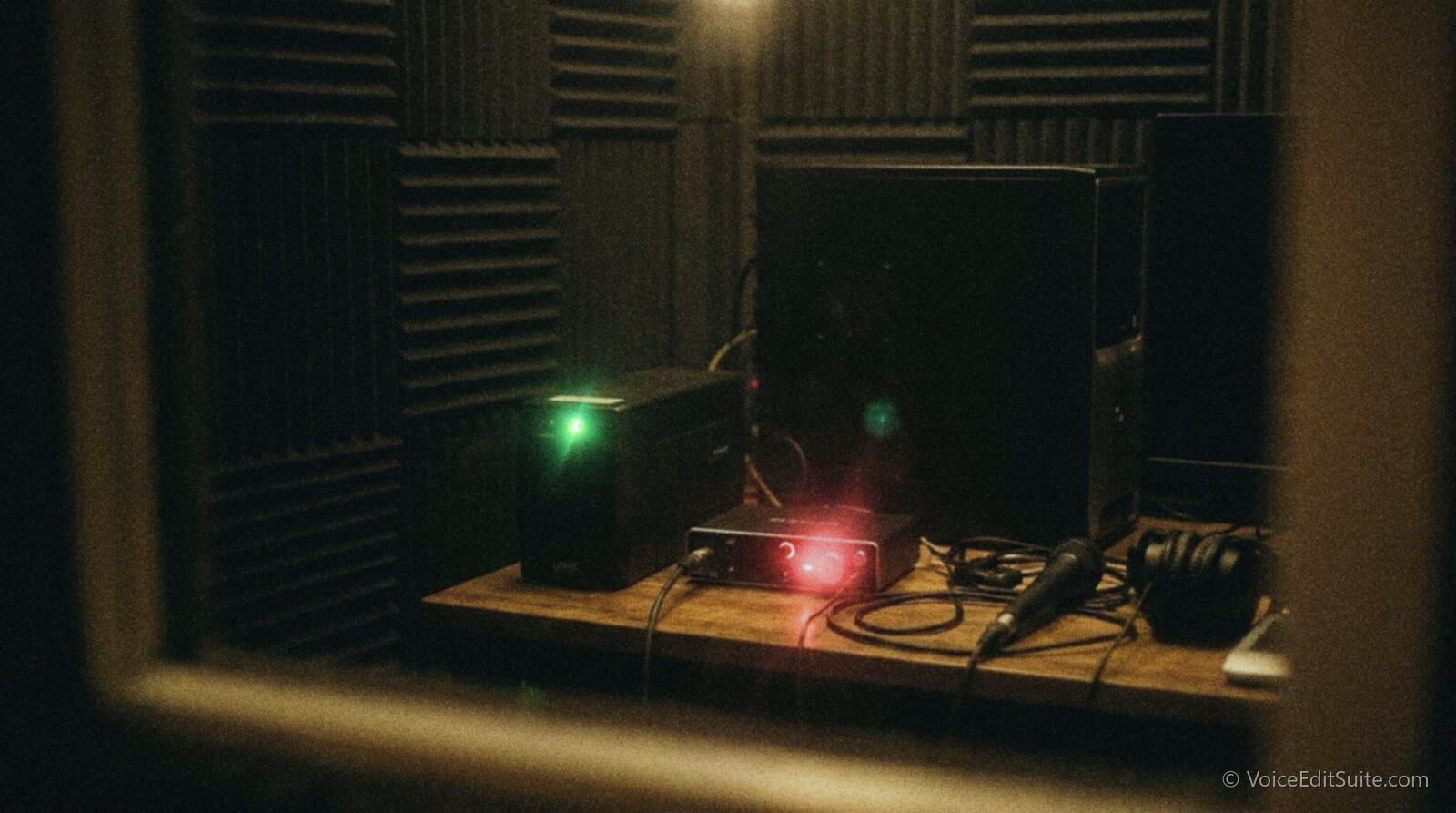
The short answer: a surge strip only blocks voltage spikes, it does nothing when the power sags or cuts out, and a true uninterruptible power supply (UPS) is the only device that keeps your computer, interface, and monitor running on battery long enough to save your work and shut down cleanly. For a typical one-room setup with a desktop computer, an audio interface, and a monitor or small display, a UPS in the 600 to 900VA range, sized with roughly 25 percent headroom over your actual wattage, covers most brownouts and short outages. Whether you need one at all depends on how much a lost session, a corrupted project file, or a fried interface would actually cost you, weighed against a device that usually runs well under the price of a single rush-fee session.
A Surge Protector and a UPS Solve Two Different Problems
It's worth being precise about this because the two devices get used interchangeably in casual conversation, and that confusion is exactly how a home studio ends up unprotected during the event that actually matters. A surge protector, sometimes called a surge strip, watches for voltage spikes, brief jumps above your normal supply, and either blocks or redirects the excess so it doesn't reach your gear. It does that passively and it does nothing else: if the power sags, browns out, or cuts off entirely, a surge protector provides no backup power at all, because it was never built to. A UPS is a different category of device. It sits between the wall and your gear with a battery inside, and the moment it detects a problem with incoming power, it switches your equipment onto that battery, seamlessly enough that a well-chosen unit won't even cause your computer to blink. Most UPS units also include surge suppression as a built-in feature, which is part of why people conflate the two, but a surge protector alone never includes battery runtime. Schneider Electric, which owns the APC UPS brand, frames the buying decision the same way in its own UPS buying guide: a battery backup is for the moments your equipment needs power to keep running after the grid interruption, not just protection from a spike.
- A surge protector blocks or redirects excess voltage. It protects against a spike, nothing else, and provides zero runtime if the power actually goes out.
- A UPS detects a problem and switches to battery. It rides out a sag, a brownout, or a full outage long enough for you to save your work and power down properly.
- Most UPS units bundle surge protection in. Buying a UPS usually means you no longer need a separate surge strip for that same outlet, though you should confirm which outlets on the unit are battery-backed and which are surge-only, since many units split the two.
- Neither one protects against a direct lightning strike on the line, which can carry far more energy than either device is rated to absorb. Whole-home surge protection at the electrical panel is the layer that addresses that risk, and it's a separate purchase from anything plugged into a wall outlet.
Why a Power Problem Mid-Session Is Worse Than It Sounds
A lot of the gear in a home voice over or podcast studio is more vulnerable to power trouble than people assume, because the damage isn't limited to the obvious case of a visible surge frying a circuit board. The more common failure mode is quieter and happens during an ordinary recording session: the power sags or cuts for a fraction of a second, long enough to reset a USB audio interface or crash a digital audio workstation, but short enough that the lights in the room barely flicker. The music retailer Sweetwater's own gear-protection guidance recommends pairing a UPS with power conditioning specifically because a UPS lets you pick up where you left off in a session once power returns, rather than losing the take, the punch-in point, or the project file itself. A DAW project file being written to disk at the exact moment power drops is a real corruption risk, not a theoretical one, since an interrupted write can leave a session file unreadable the next time you open it.
- Lost, unsaved takes. A dropout mid-record means redoing the read, which is a cost measured in your time and sometimes in a client's patience if you're already past a deadline.
- Corrupted project files. A sudden power loss while your DAW is writing to disk is one of the more common ways a session file becomes unreadable, sometimes without obvious warning until the next time you try to open it.
- Interface or driver instability after a brownout. Audio engineers and musicians describe interfaces that don't fail outright after a brief sag but start behaving oddly afterward, dropping sync, producing noise, or needing a full driver reinstall to behave normally again.
- Outright hardware damage. A strong enough surge or a repeated pattern of sags and spikes can shorten the working life of a power supply or, in less common but real cases reported by audio engineers, damage an interface's internal components outright.
None of this requires a dramatic storm to happen. A large appliance cycling on the same circuit, an air conditioner compressor kicking on, or a neighborhood transformer under strain on a hot day can all cause the brief sags that trip up sensitive gear, and a basic surge strip does nothing to smooth any of it out, because a sag isn't a surge. That gap is exactly what a UPS with automatic voltage regulation is built to close, and it's worth pairing with the kind of equipment redundancy covered in backup gear and redundancy planning for voice actors, since a UPS protects you from a power event but a second interface or cable still covers you if the hardware itself fails for an unrelated reason.
Sizing a UPS: VA, Watts, and a Worked Example
UPS capacity is listed in two numbers that trip people up constantly: VA (volt-amperes) and watts. Watts are the real power your equipment actually draws. VA is the apparent power rating a UPS is sized by, and the two are connected by the unit's power factor: watts equals VA multiplied by the power factor. Schneider Electric's own buying guidance puts this in plain terms, advising shoppers to total the real wattage of their gear first and then choose a UPS with a VA rating that comfortably exceeds that load with margin for startup spikes, rather than buying to the VA number on the box without checking the watt rating underneath it.
- Total the real watts of everything that needs to stay powered. Check the label or spec sheet on each device, not just a casual guess, since nameplate numbers are sometimes inflated and the number you want is typical operating draw.
- Add headroom. Schneider Electric's own guidance suggests roughly 20 to 25 percent above your calculated load to cover startup surges and leave room to add a device later without immediately maxing out the unit.
- Convert to VA using the power factor, dividing your buffered watt figure by the UPS's power factor, commonly somewhere in the 0.6 to 0.7 range for a standby or line-interactive consumer unit, to estimate the VA rating you actually need.
- Buy to whichever number is more limiting, usually the watt rating rather than the VA rating, and round up to the next common consumer tier rather than cutting it close.
Here is what that looks like with real numbers. A common one-person setup, a desktop computer drawing roughly 120 watts during an active recording session, a USB audio interface drawing around 15 watts, and a small monitor or secondary display drawing about 30 watts, adds up to 165 watts of real load. Add 25 percent headroom and you're at roughly 206 watts. Divide that by a typical consumer-unit power factor of 0.6 and you land at approximately 344VA as a rough minimum. In practice that points you toward a common 600VA-class unit rather than the smallest units on the shelf, both because it's the next sensible tier up and because a unit running closer to its rated capacity gives you less runtime and shortens battery life over time. A laptop-based setup changes this math meaningfully, since a laptop already has its own internal battery acting as a built-in, if limited, UPS for the laptop itself; in that case, the UPS mainly needs to cover the interface, any external monitor, and your router if you want to stay online through a short outage.
That sizing exercise matters more for a desktop tower than for most other gear in the room, because a desktop has no internal battery of its own the way a laptop does, and because an audio interface plugged straight into the wall through its own power adapter gets zero benefit from a surge strip the instant the power actually cuts rather than spikes. If you're deciding what hardware to put behind a UPS at all, choosing a computer for voice over and podcast editing is worth reading alongside this guide, since a machine's power draw and its sensitivity to a bad shutdown both factor into how much backup capacity you actually need.
How Often Does the Grid Actually Fail
It's a fair question whether any of this is worth worrying about, and the U.S. Energy Information Administration's own reliability tracking gives a real, if uneven, answer. Since the EIA began collecting electric reliability data from utilities in 2013, the average U.S. customer has experienced roughly two hours of total power interruption per year when major events like storms are excluded, a figure that has stayed fairly consistent year over year. Include major events, and the picture changes substantially: the EIA's 2022 data put the all-events average at over five and a half hours per customer for that year alone, and 2020, driven by a heavy storm season, was the worst year on record since the agency started tracking in 2013, with average interruption time running past eight hours. The variation by state is wide enough to matter for your own planning too; EIA's 2018 data showed average annual outage duration ranging from about an hour and a half in South Dakota to close to thirty hours in North Carolina, largely reflecting how exposed a given grid is to severe weather.
Those averages undersell the detail that actually matters for a home studio, which is that most of what trips up a recording session isn't a multi-hour blackout at all. It's the short, sub-second sag that happens when a large appliance on the same circuit cycles on, when a neighborhood transformer is under strain, or when utility equipment switches between lines, none of which shows up as a counted outage in EIA's data because it never fully interrupts service, but all of which can be enough to reset a sensitive USB device or interrupt a disk write. A UPS is built to ride out exactly that kind of event without even registering as a blip to your gear, which is a different job than riding out an hours-long outage, and it's worth being honest with yourself about which one you're actually buying protection against.
Line Conditioning for Noisy Power, and Why It's Not the Same Fix as Ground-Loop Hum
A related but separate feature worth understanding is automatic voltage regulation, often shortened to AVR, which many UPS units include. AVR corrects minor voltage sags and over-voltages in real time by stepping the output up or down, without switching the load onto battery power at all. That matters because every time a UPS does switch to battery, even briefly, it's drawing down a battery that has a finite number of charge cycles before it needs replacing, so a unit with good AVR coverage can meaningfully extend how long your battery lasts by handling the small, routine fluctuations without ever touching it.
What AVR and line conditioning do not fix is hum caused by a ground loop, and it's worth being clear about that distinction before you spend money on the wrong fix. A ground loop happens when two pieces of connected gear are each grounded through a slightly different path, creating a small voltage difference between them that shows up as an audible hum in your recording, and that problem originates in your own wiring and grounding, not in the quality of the incoming power from the utility. A line conditioner or a UPS's AVR circuitry smooths out voltage fluctuations and electrical noise riding on the power line itself; neither one addresses two ground paths disagreeing with each other. If hum is your actual problem, ground loop hum in a home studio covers the diagnosis and fix directly, and it's worth ruling that out before assuming a UPS or conditioner will solve a noise problem it was never built to touch.
When a Basic Surge Strip Is Genuinely Enough
Not every outlet in a home studio needs battery backup, and treating a UPS as mandatory for everything in the room is its own kind of waste. A surge strip is the right, sufficient choice for gear where a sudden power loss costs you nothing beyond a brief interruption: a desk lamp, a phone charger, a space heater, or any device with no session state to lose and no sensitivity to an abrupt shutdown. It's also genuinely fine for a laptop-based setup where the laptop's own internal battery already rides out a short outage without help, leaving the UPS question relevant mainly for the external interface and monitor rather than the computer itself.
- A UPS earns its cost when a lost session has a real dollar value attached, which describes most paid voice over and podcast production work. A rush deadline blown because a fifteen-minute brownout corrupted a project file costs far more than the UPS that would have prevented it.
- A UPS matters most for a desktop computer, which has no internal battery of its own, unlike a laptop that already rides out brief outages on its built-in cell.
- A UPS matters for any gear with its own external power supply, including most audio interfaces, since a surge strip provides zero protection against the power simply disappearing, only against a spike.
- A surge strip alone is fine for low-stakes, easily resumed equipment, lighting, chargers, and anything where an abrupt shutdown costs you nothing but the time to flip a switch back on.
Deciding where your own setup actually falls on that spectrum is easier with a full inventory of what you're running than it is by guessing room by room, since the right answer for your interface might be different from the right answer for your monitor or your router.
↗ Try the tool
Home Studio Analysis
Power protection is one piece of a larger setup decision that includes room treatment, interface choice, and computer specs, all of which interact with each other more than people expect. The Home Studio Analysis tool looks at your actual setup and flags the gaps, power protection included, so you're not guessing at what to prioritize first.
Open Home Studio Analysis →What Actually Matters When You Buy One
Once you've decided a UPS is worth it, the spec sheet has a handful of numbers that matter and a lot of marketing language that doesn't. Runtime, waveform type, voltage regulation, and battery replacement cycle are the four that should actually drive your decision, and each one is explained clearly in reputable manufacturer documentation rather than requiring a guess.
- Runtime at your actual load, not the box's best-case number. A UPS rated for twenty minutes at a light load might give you five minutes at the load you're actually running. Its job is to bridge a short outage and let you save and shut down safely, not to let you keep recording through an hours-long blackout; for that, you'd need a far larger battery bank or a generator, not a desktop UPS.
- Pure sine wave versus simulated or stepped sine wave output. Utility power is a clean sine wave, and a cheaper UPS running on battery approximates that shape in steps rather than reproducing it smoothly. Reputable electronics-review coverage, including TechHive's UPS testing, notes that modern computers with active power-factor-correction power supplies are the equipment most likely to need a true pure sine wave unit, so check your computer and interface manufacturer's own compatibility guidance before assuming a cheaper stepped-wave unit is fine.
- Automatic voltage regulation (AVR). This is what handles minor sags and over-voltages without switching to battery at all, extending battery life and smoothing out the small fluctuations that would otherwise trip the unit unnecessarily.
- Battery chemistry and replacement cycle. The sealed lead-acid batteries in most consumer UPS units typically need replacement every three to five years regardless of how often the unit has actually discharged, simply from age, while newer lithium iron phosphate (LiFePO4) battery UPS units are increasingly sold with considerably longer service lives before a replacement is needed. Either way, budget for a battery swap as a recurring cost, not a one-time purchase.
- Separate surge-only and battery-backed outlets. Most consumer units split their outlets between the two, and it's worth checking which is which before you plug your interface into what you assumed was a battery-backed slot.
A joule rating on a standalone surge strip is worth a quick mention here too, since it's the other half of this buying decision for the gear that doesn't need full battery backup. Eaton's Tripp Lite brand, a major manufacturer in this space, recommends a joule rating of at least 1,000 for sensitive and costly equipment like computers, displays, and audio or video gear, versus a lower 200 to 400 range being adequate for less critical devices. Keep in mind that a surge strip's joule rating isn't tested under a single mandatory industry method the way a UL-listed device's basic safety is, so treat it as a useful comparison point between products from the same manufacturer rather than an exact scientific guarantee, and pair it with a voltage protection rating check, since a lower number there means less voltage gets through to your gear during a spike.
Where this all gets decided in practice is the overall equipment budget for a home setup, which runs the full range from a bare-minimum starter rig to a fully treated room with redundant gear. The real cost of a home voice over studio is worth reading alongside this guide for exactly that reason: power protection is a small line item next to a treated room or a professional interface, but it's one of the few line items that can single-handedly prevent a total loss of a day's paid work rather than just improving its quality.
Environmental stability is the other half of protecting gear that's easy to overlook once the power question is handled. A UPS and a line conditioner protect against electrical problems specifically, but heat, cold, and humidity swings are a separate and ongoing threat to the same equipment, covered in humidity and temperature control for home studio equipment, and it's worth treating both as part of the same basic equipment-protection checklist rather than two unrelated purchases.
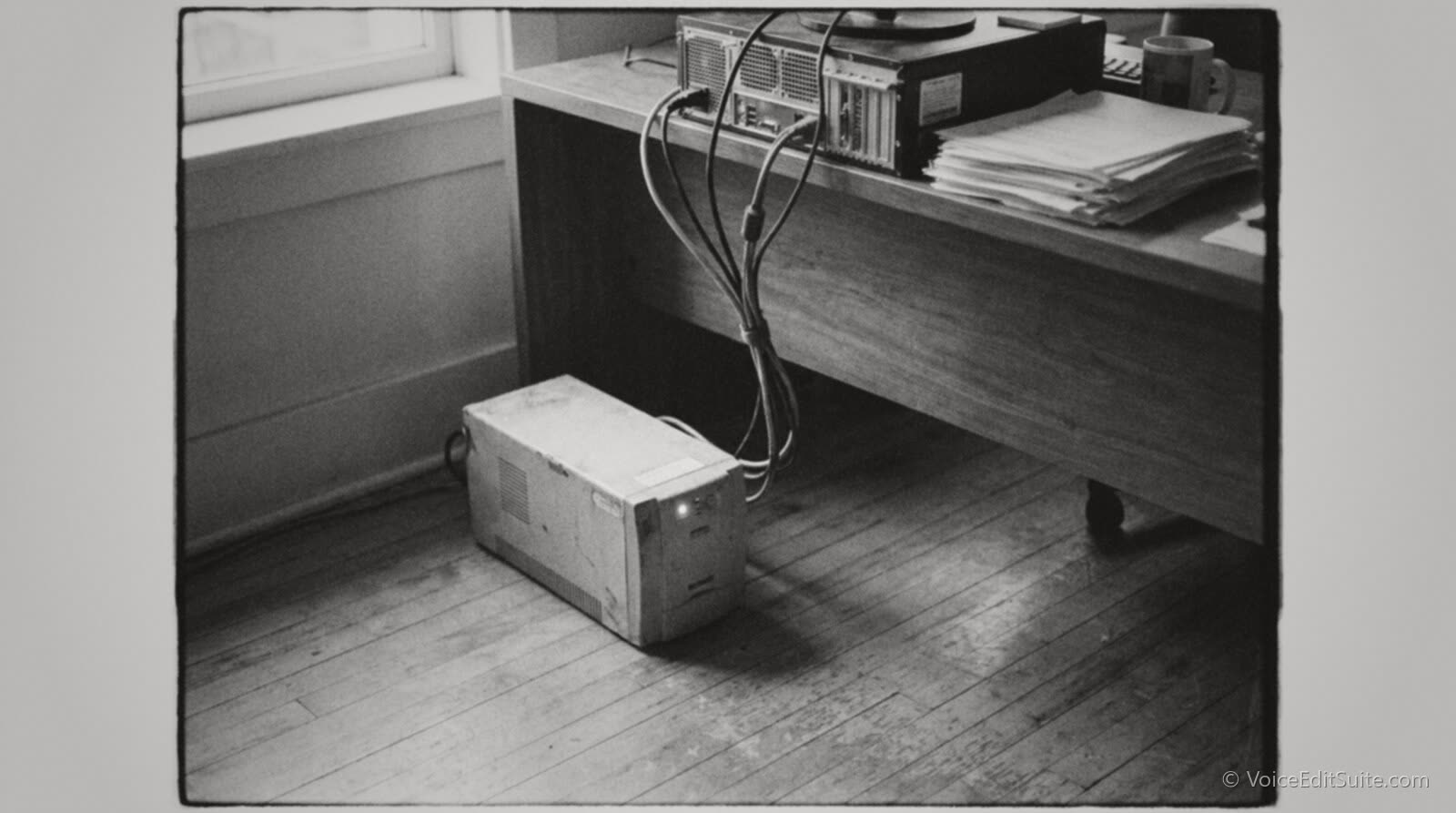
Most people who own a UPS for a home studio never actually see it switch to battery in any dramatic way. It sits under the desk, draws almost no attention, and the only evidence it's doing anything at all is a short beep and a few seconds of battery icon on the screen during the handful of times a year the power genuinely dips. That's the entire point of the device: it is cheap insurance against an event that is rare for any single household in any given week, but close to certain to happen eventually to anyone running gear for long enough, and the cost of being caught without it on the one day it matters is almost always higher than the UPS itself.
Frequently Asked Questions
I already have a surge strip. Do I still need a UPS?
Yes, if the goal is protecting an active recording session rather than just protecting against a voltage spike. A surge strip and a UPS are not substitutes for each other; a surge strip does nothing when the power actually drops or sags, which is the more common session-interrupting event, while a UPS is specifically built to bridge that gap. Most UPS units include surge protection as a built-in feature, so adding one usually replaces the need for a separate surge strip on that same outlet rather than requiring both.
Does a laptop-based setup still need a UPS?
Less urgently than a desktop setup, but often still worth it for the peripherals. A laptop's own internal battery already functions as a built-in UPS for the computer itself, riding out a short outage without any help. Where a UPS still adds real value in a laptop setup is for an external audio interface, monitor, or router that has no battery of its own and would otherwise lose power or lose your internet connection the instant the outage started.
How long will a UPS actually keep my gear running during an outage?
Usually a matter of minutes at a realistic load, not hours, and that's by design rather than a shortcoming. A desktop-class consumer UPS is sized to bridge a brief outage and give you enough time to save your work and shut down cleanly, not to let you keep recording through an extended blackout. If riding out a multi-hour outage is genuinely the goal, that requires a much larger battery bank or a generator, a different category of purchase than the UPS units discussed here.
Is a cheaper stepped sine wave UPS actually a problem, or is that overthinking it?
It depends entirely on what you're plugging into it, which is why checking your specific equipment's documentation matters more than a general rule. A stepped or simulated sine wave is genuinely fine for a lot of consumer electronics, but modern computers with active power-factor-correction power supplies are the class of equipment most often flagged in reputable electronics-review testing as needing a true pure sine wave unit to run reliably on battery. Check your computer's power supply documentation, or the UPS manufacturer's own compatibility notes, before assuming either way.
How often does a UPS battery actually need replacing?
Commonly every three to five years for the sealed lead-acid batteries used in most consumer UPS units, and that clock runs on age and how the unit is used, not just on how many times it has actually switched to battery power. A UPS with strong automatic voltage regulation that handles minor fluctuations without draining the battery will generally extend that replacement interval somewhat, but it's still a recurring cost to budget for rather than a one-time purchase, and newer lithium iron phosphate battery units are increasingly marketed around a meaningfully longer service life before that first replacement is needed.
Will a UPS or line conditioner get rid of a ground hum in my recordings?
No, and that's a common and costly assumption to get wrong. A UPS's voltage regulation and a dedicated line conditioner address noise and fluctuation coming in from the utility line, while a ground-loop hum is caused by your own equipment being grounded through two slightly different paths, creating a voltage difference between devices. That's a wiring and grounding issue, not a power-quality issue, and it needs its own diagnosis and fix rather than a power-protection purchase.
Sources and Further Reading
- Schneider Electric, UPS Buying Guide for Selecting a Battery Backup System: the official guidance from APC's parent company on the distinction between surge protection and battery backup, and on sizing a UPS by total wattage with headroom.
- Schneider Electric Blog, VA vs Watts: What's the Difference Anyway?: the relationship between VA, watts, and power factor used in this guide's sizing example.
- U.S. Energy Information Administration, Today in Energy: the source for average annual U.S. power interruption duration figures with and without major events, and for 2020 being the worst year on record since EIA reliability tracking began in 2013. Figures are updated annually, so check EIA.gov for the current release.
- Sweetwater, gear protection and power conditioning guidance for musicians and studios: cited for the recommendation to pair a UPS with power conditioning so a session can resume after a brief power event rather than being lost outright.
- TechHive, The best uninterruptible power supplies (UPS): reputable electronics-review coverage cited for pure sine wave versus stepped sine wave output and which equipment, notably computers with active power-factor-correction supplies, is most sensitive to that distinction.
- Tripp Lite (Eaton), Surge Protector Buying Guide: the manufacturer's own guidance on joule rating ranges for sensitive equipment versus lower-stakes devices.
- National Electrical Manufacturers Association, Part 1: Surge Protective Device Specification Guide for Low-Voltage Power Distribution Systems (NEMA SPD 1.1-2019): the industry specification guide referenced for how surge protective devices are categorized and specified.